Work Center and Routing Setup and Maintenance
Set Up Work Centers and Routings
Work Centers/Routings/Process Setup and Maintenance
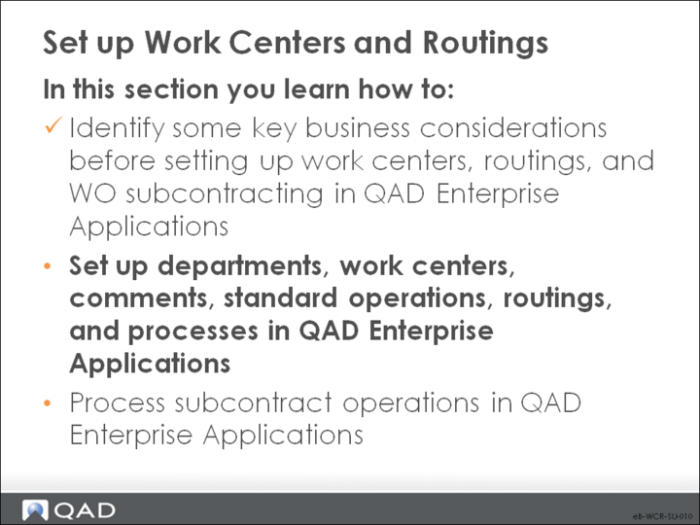
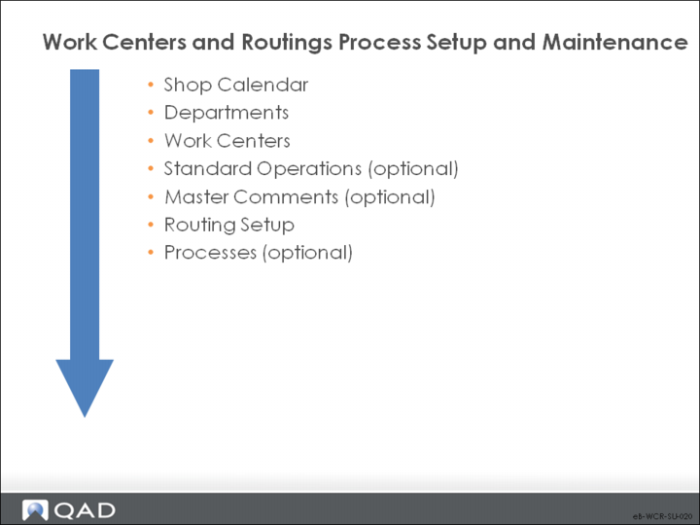
This work flow sequence is the recommended initial setup sequence of for work centers, routings, and processes. It is based on information that flows from one type of data to another and prerequisites. Optional steps are noted.
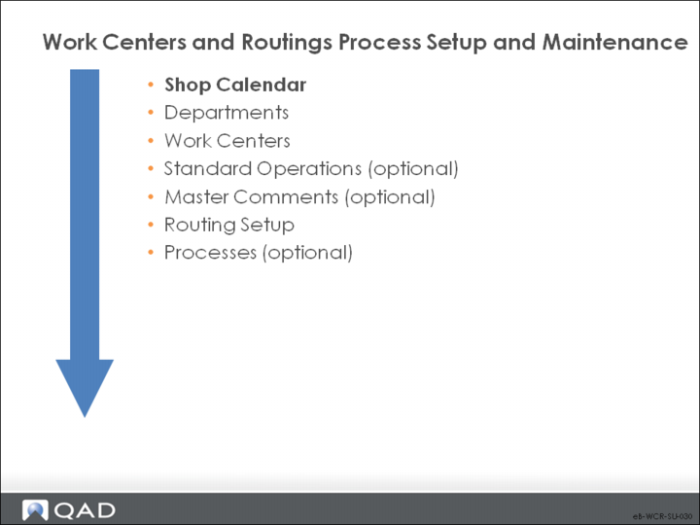
Shop Calendar
The calendar sets the work week and the daily hours.
Calendar Maintenance
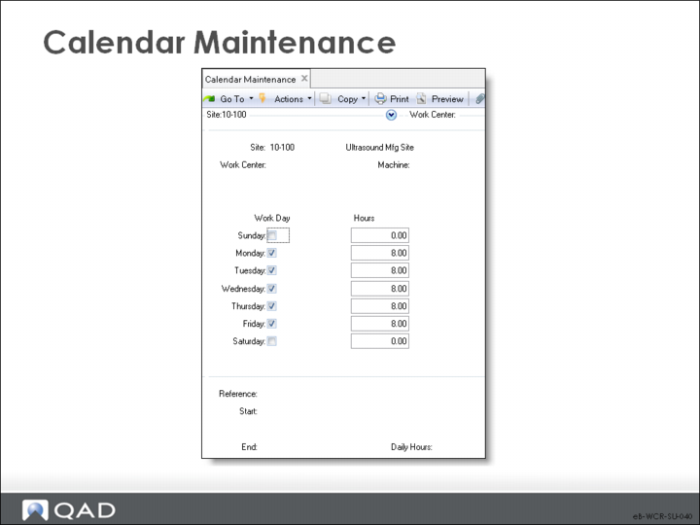
Define at least one calendar. Calendars set the standard work week for a site and the work centers in it. Calendars provide the basis for all manufacturing scheduling functions. You can create a calendar for the entire system, for specific sites, for work centers, and for machines in work centers.
Note: Line Schedule Workbench uses the calendar defined in Shift Maintenance.
Site
The site to which the calendar applies. Leave this field blank to create a system calendar.
Work Center
The work center to which the calendar applies. Leave this field blank to default the work center to the site calendar.
Machine
The machine to which the calendar applies. Leave this field blank to default the machine to the work center calendar.
Work Day
Denotes whether a day is a work day or not.
No: Not a work day; the system schedules nothing on non-work days.
Yes: A work day. The system can schedule events, such as production and shipments.
Hours
The total number of hours normally scheduled for all shifts to work on this day.
• Make this value reflect actual production hours, exclusive of breaks.
• This number reflects all shifts scheduled for work, which can be greater than 24 hours.
• When calculating schedule due and release dates, the system looks only at scheduled work days, ignoring exceptions and holidays.
Record exceptions to the normal calendar in the Reference, Start/End, and Daily Hours fields. These exceptions schedule:
• Overtime
• Increased shifts
• Reduced shifts
• Preventative maintenance
• Shutdowns
The number of hours specified is added or subtracted from the normal work day for each day in the range of dates specified.
Note: Exceptions only record holidays if the holiday only applies to some work centers. If the holiday applies to all work centers, use Holiday Maintenance.
Reference
A reference code identifying an exception to the shop calendar, usually describing the type of exception such as Overtime or Shutdown.
Start/End
The first day and last day this exception applies to; the exception applies to all work days in the range of dates specified.
Daily Hours
The number of hours to add to or subtract from normal scheduled work hours for the specified range of dates. This value can be positive or negative; for a shutdown on a normal work day, enter -8.