Work Order Processing
Introduction to Work Order Processing
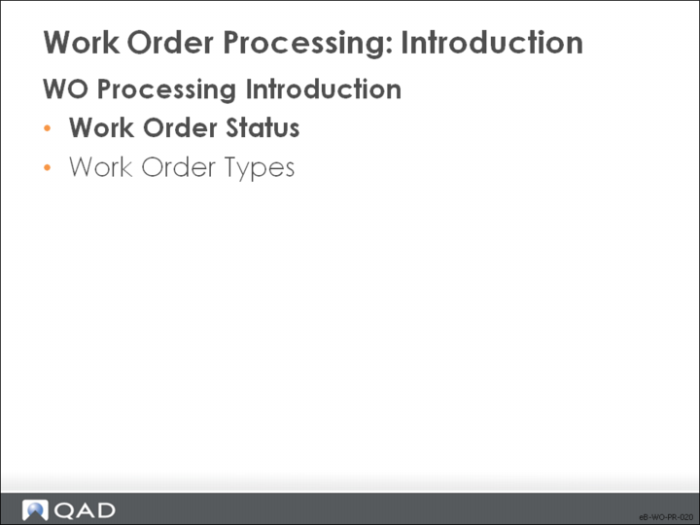
This section covers work order processing in QAD Enterprise Applications. It includes:
• The various statuses through which work orders move
• The types of work orders
• The details of processing
Work Order Status and Type
A work order’s status denotes its current place in the processing cycle; its type denotes its use and, in some cases, its origin.
Work Order Status
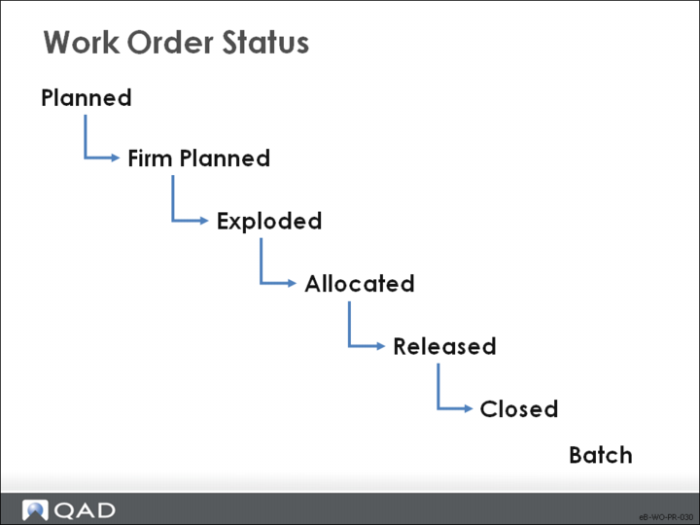
The figure shows the statuses in sequence.
• The status of a work order determines how much control you have over its bill, routing, inventory allocations, inventory transactions, and labor feedback
Note: Not all work orders take on all status conditions. Final assembly work orders, for example, have a default status of exploded.
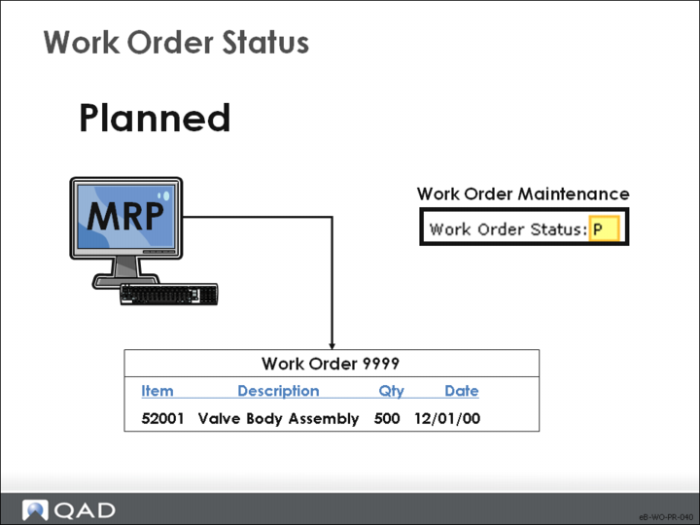
Planned
Planned work orders come from MRP.
• MRP can replan these orders
• Changes cannot be made to orders with status Planned
• Work orders with statuses other than Planned have fixed quantities and due dates. Therefore, MRP does replan them.
Approving a planned work order with Planned Work Order Approval changes its status to firm planned.
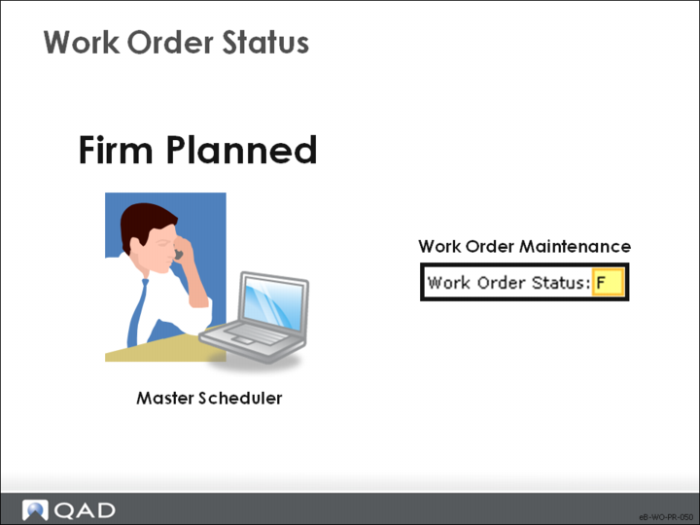
Firm Planned
Approved orders take on this status firm planned.
• Firm planned is the default status for orders you create in Work Order Maintenance
• MRP does not replan these orders, but instead, generates action messages as needed
• You cannot record inventory transactions or labor feedback against firm planned orders
• There are bills and routings associated with these orders, but they are not frozen from any engineering changes that are performed to the bill of material or routing.
• MRP re-explodes bills, while CRP re-explodes routings.
Exploded
Exploding work orders recalculates the work order bills and freezes the bill and the routing
• The bill and routing can be changed only manually until the order is released
• You cannot record inventory transactions or labor feedback against work orders with this status
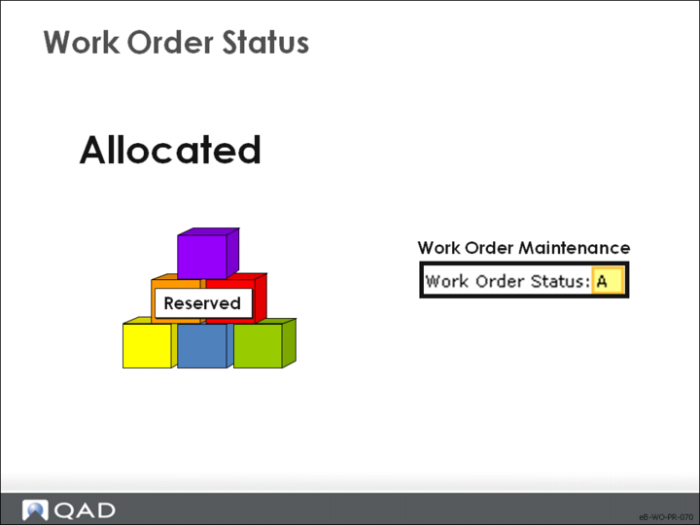
Allocated
Allocated orders are extensions of exploded orders and are used for inventory transactions.
You cannot record labor feedback against orders with status Allocated.
Allocated orders differ from exploded orders in the following ways:
• General allocations are made for all of the required components
• When the work order bill is created, QAD Enterprise Applications explodes through the requirements for phantoms when needed. This action uses up quantities of phantom items already in inventory before creating requirements for their components
• Work orders are automatically created for components with Pur/Mfg codes set to Routable in Item Planning Maintenance; these orders normally have a status of Batch
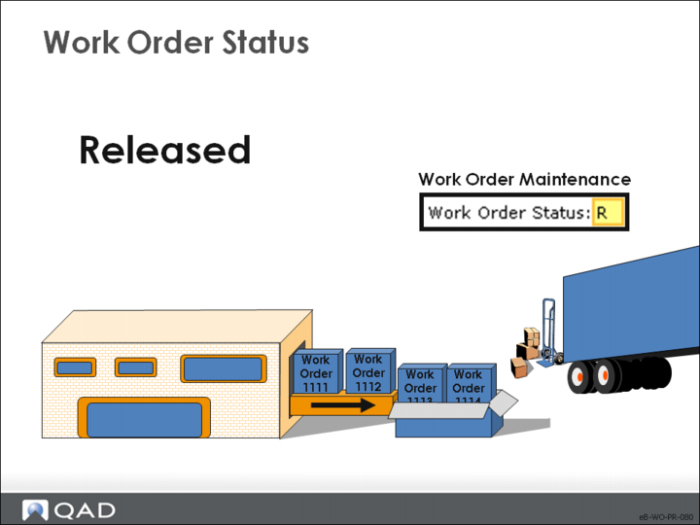
Released
Released orders are like allocated orders except that detail allocations are made for components and operations are scheduled.
• Picklists or routings can be printed when orders are released. The picklist uses detail allocations to indicate the specific inventory detail records to pick for the order
• You can record inventory transactions or labor feedback against work orders with status Released
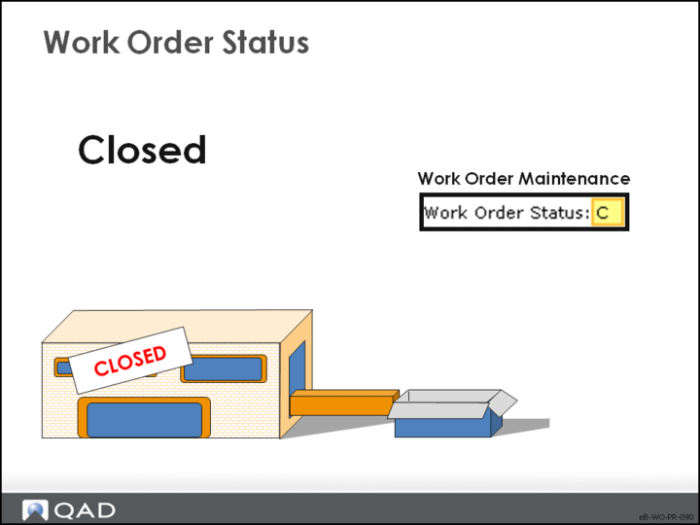
Closed
Work orders are typically closed when the items are received.
• For most purposes, closing ends the life cycle
• You cannot process inventory transactions for closed orders
• Additional labor can be reported until either:
• The operations are closed in Shop Floor Control
• Work Order Accounting Close is executed
• This status is useful for reporting
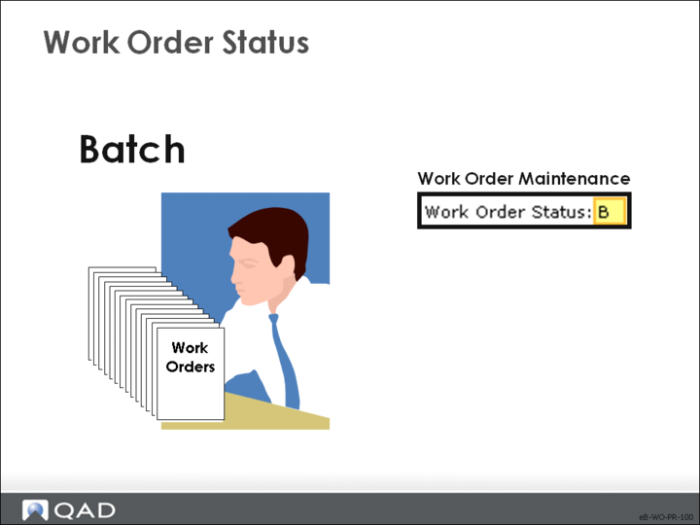
Batch
Use the Batch status to speed up processing for large numbers of orders.
• Enter batch work orders manually as needed, or create them automatically for routable components when changing the order status to Allocated or Released
• Use Multiple WO Status Change to change order status at the appropriate time
• The system does not create and explode bills or routings for these orders until their status changes, so MRP does not recognize any component demand
• You cannot record inventory transactions or labor feedback against a batch order
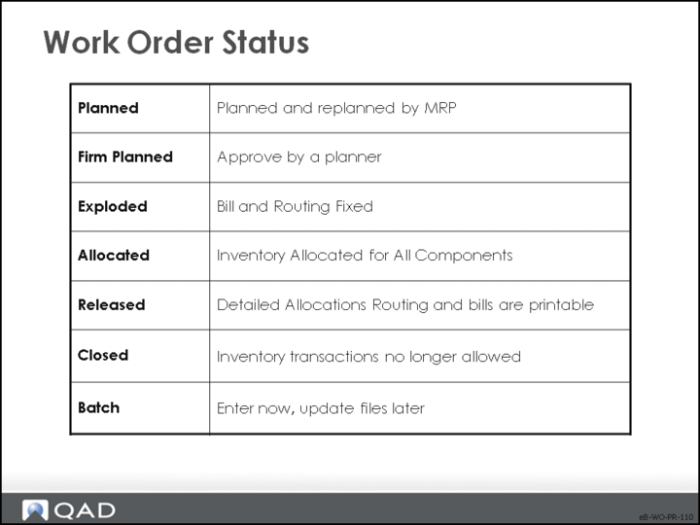
Conclusion
The diagram shows the various statuses and their meanings.