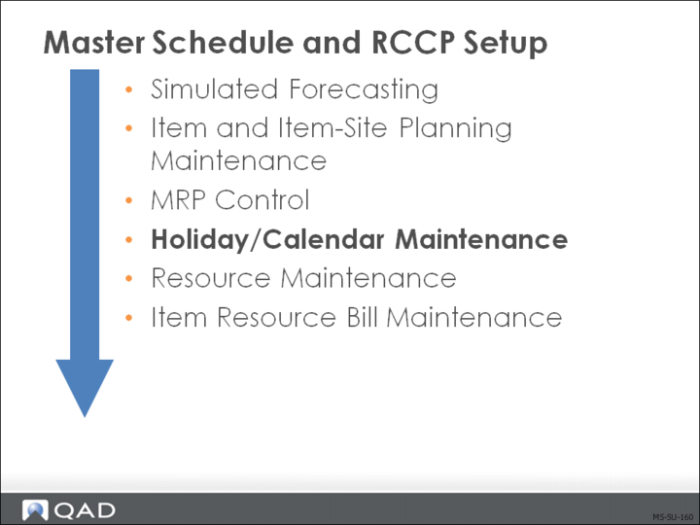
Holiday/Calendar Maintenance
Calendar Maintenance
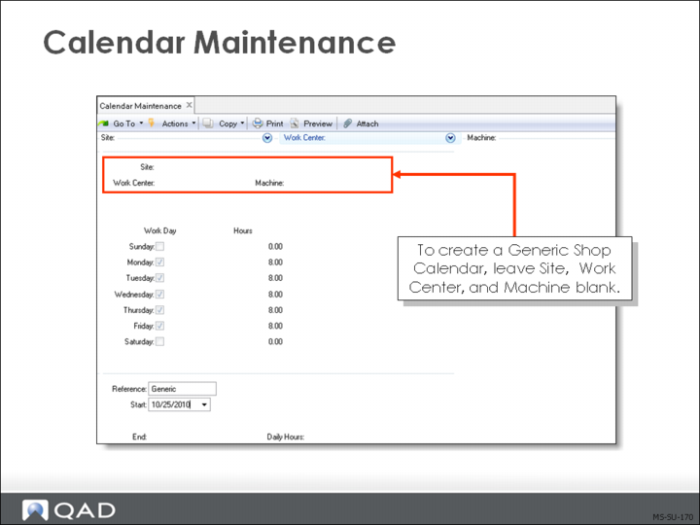
Calendar Maintenance (36.2.5) is only relevant for master scheduling when using the fully automatic or computer-assisted method.
• Calendars define:
• The standard work week for a site and the work centers in it
• Exceptions to the normal calendar, such as scheduled overtime or shutdown periods
• In a calendar, work days = Yes and nonwork days = No
Note: If the Site, Work Center, and Machine are blank, the calendar acts as the default for the entire company (must be blank for RCCP.)
Manufacturing order due dates are scheduled only on work days. Each work day has a production capacity in hours, excluding breaks and non-productive time. Manufacturing operations can only be scheduled up to the production capacity of the day.
You can specify exceptions for overtime or machine downtime. This information is used only when operation schedules are prepared, not when calculating manufacturing order due dates. When a discrepancy occurs, you may have to adjust the due date.
To implement shop calendars correctly:
• Create a calendar with Site, Work Center, and Machine left blank. This is the system calendar
• Create a calendar for each site with the Work Center and Machine left blank. This is the calendar used by CRP to calculate capacity, including holidays
• Create Work Center calendars with site and work center filled in
QAD Enterprise Applications looks first for a calendar for the specific site, work center, machine combination.
• If none is found, it looks for a match on Site and Work Center with Machine Blank
• If none is found, it looks for a match on Site with both Work Center and Machine Blank
• If none is found, it looks for a default calendar with Site, Work Center, Machine Blank
To schedule exceptions, enter the Reference and specify the number of hours per day (positive for overtime, negative for downtime or holidays).
Example: If you normally work 8 hours a day, enter -8 hours for a shutdown date.
Use Start and End dates to schedule multiple days of overtime or downtime.
Warning When scheduling overtime, you could schedule a non-work day. When scheduling downtime, each of the days from Start through End must have at least this number of hours normally scheduled, or you could end up with a negative production capacity on those days.
Holiday Maintenance
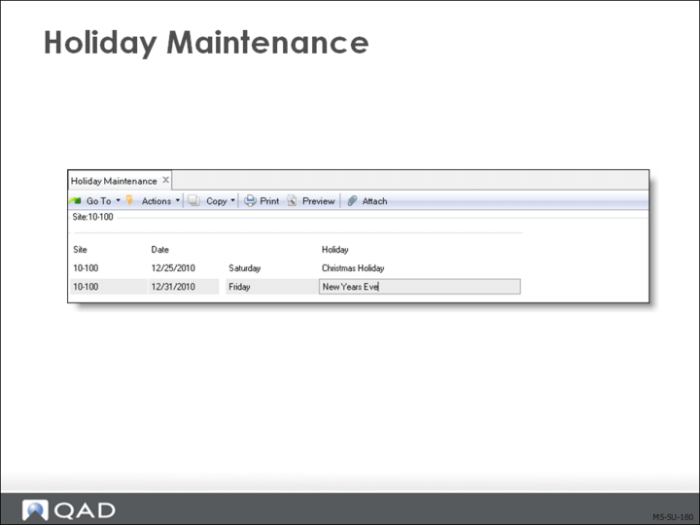
Holidays are days that no one works; the plant is shut down and no production is scheduled. Holidays can be different at each site.
Manufacturing orders are never due and operations are never scheduled on a holiday (you can override this if necessary.)
If a holiday does not apply to all work centers, it isn't a holiday. It is an exception to the normal shop calendar. Exceptions are entered using Calendar Maintenance (36.2.5), recording the day off only for the work centers to which it applies.
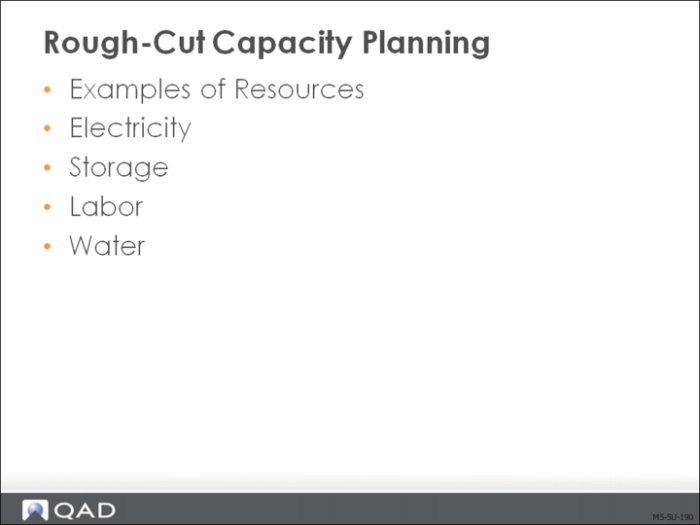
Rough-Cut Capacity Planning
Rough-cut capacity planning:
• Shows consumption of critical resources
• Enables master schedulers to:
• Test end-item production plans
• Calculate capacity to meet the master schedule
• Compare and modify required and planned capacity
• Analyze load on key resources by time period
• Isolate and resolve potential problems