Setting Up Report Components
A report definition is made up of data retrieval specifications or queries. The easiest query would be one GL item for one period. For example, you can define a report on account 1040 for period 1.
A report has three main components:
• Row groups: GL items
• Column groups: periods
• Report records: an optional global query
You can specify either a single GL item or an analysis code, which is a grouping of items. GL items include accounts, sub-accounts, cost centers, projects, and entities. You can also use analysis codes to set up controlling hierarchies. These let you sort report data into several different iterations.
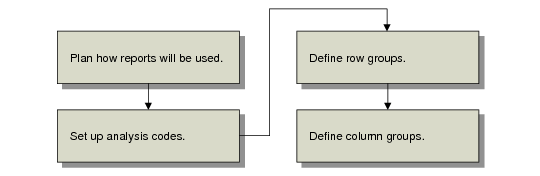
Before actually defining a report, first decide how you want to use the reports and then set up the components you need.
Workflow for Setting Up Report Components