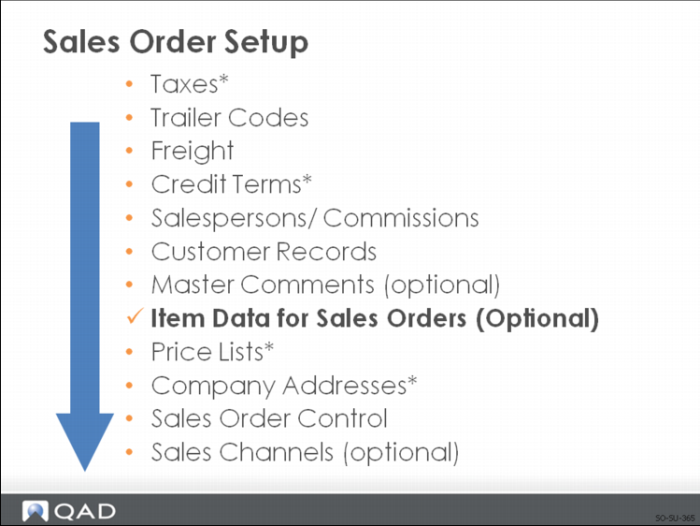
Item Data for Sales Orders
Many fields associated with the items placed on sales orders can affect aspects of the order processing. Two separate functions are described here:
• How to set up an item so that the customer can order it using their own number
• How to indicate that an item is not an inventory item
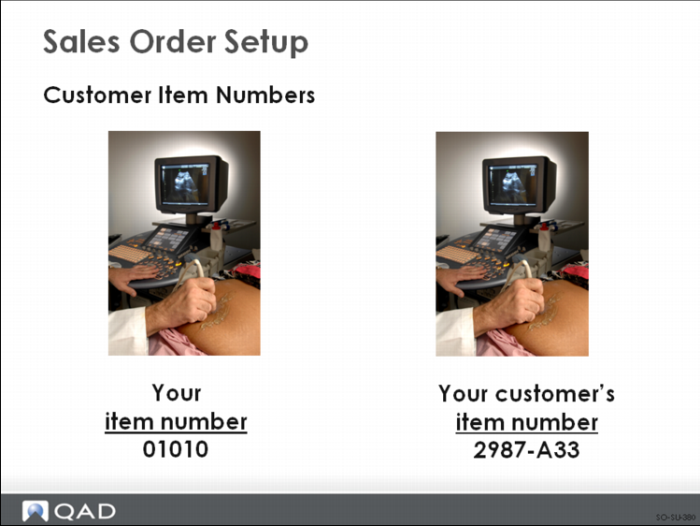
Customer Item Numbers
A customer may prefer to order using their own item number or an industry standard number rather than the one your company uses.
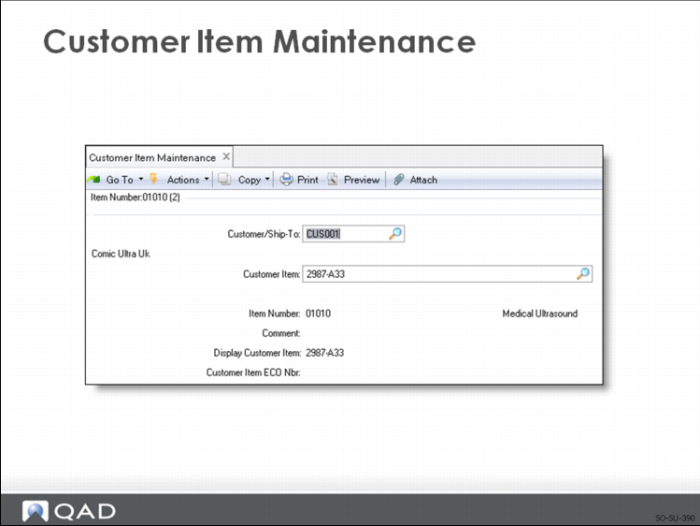
Customer Item Maintenance
Use Customer Item Maintenance to set up a cross-reference between:
• Your item numbers and customers’ own item numbers. Both item numbers or one of them can optionally appear on all sales and shipping paperwork
• Internal numbering systems. By leaving the Customer/Ship-To field blank, it can be used for internal numbering systems, such as a catalog number
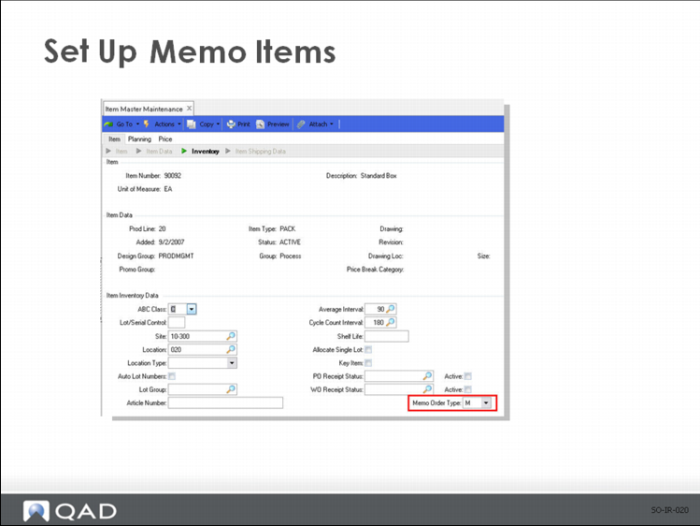
Set Up Memo Items
Use Item Master Maintenance to enter to a non-blank value for the Memo Order Type. Memo items have no effect on inventory or MRP when placed on a sales order. Memo Order Type is validated against values defined in Generalized Codes Maintenance for field pt_memo_type; the entered value defaults to the Type field in:
• Sales Quote Maintenance
• Sales Order Maintenance
• Pending Invoice Maintenance
• Scheduled Order Maintenance
• RMA Maintenance