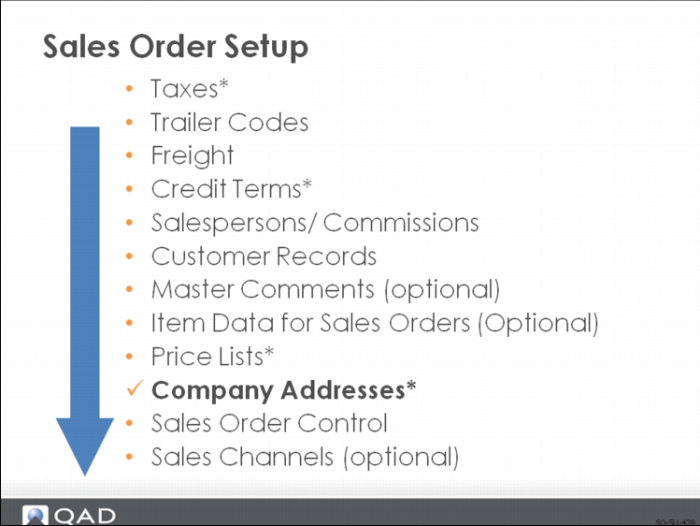
Company Addresses
Enter a unique code to identify an operational address record. Set up operational addresses for each of your company sites and at least one bill-to company address for invoicing and ship-to address for purchasing. Each site has a company address code equal to the site code.
The actual address record comes from the business relation. So you can have several sites at one address that refer to the same business relation.
Exercise: Customer Setup
Adding a customer is similar to adding a salesperson. You create the business relation, then use Customer Create to add banking, tax, payment, credit, and other accounting information. Then use Customer Data Maintenance to complete the setup. In this activity, we will add information to an existing customer. If you have time, the instructor may suggest you add a customer.
Set Up Generalized Codes
1 Use Generalized Codes Maintenance (36.2.13) to add a region code.
Field | Data |
Field Name: | cm_region |
Value: | Bay |
Comments: | US Bay Area |
Set Up Customer Records
2 Use Customer Data Maintenance (2.1.1) to set up the customer data as follows. Accept the rest of the data as is.
Field | Data |
Customer: | 10C1000 |
Salespsn1: | 10SP04 |
Ship Via: | UPS |
Region: | Bay |
Site: | 10-300 |
Customer Credit Data |
Disc Pct: | 2% |
Customer Freight Data |
Freight List: | 20FRT |
Min Frt Wt: | 1 |
Freight Terms: | ADD |
Set Up Address List Type
3 Use Op Address List Type Browse (2.10) to review list types already assigned by the system.
4 Use Op Address List Type Maintenance (2.9) to add a code indicating a customer with whom you cooperate on advertising.
Field | Data |
Address: | 10C1000 |
List Type: | CoOpAd |
Master Comments
5 Use Master Comment Maintenance (2.1.12) to add the following comment for the master reference 10C1000 and Language US:
Customer requires Sales Order number Purchase Order number cross reference, and their customer item number detail on all communications.