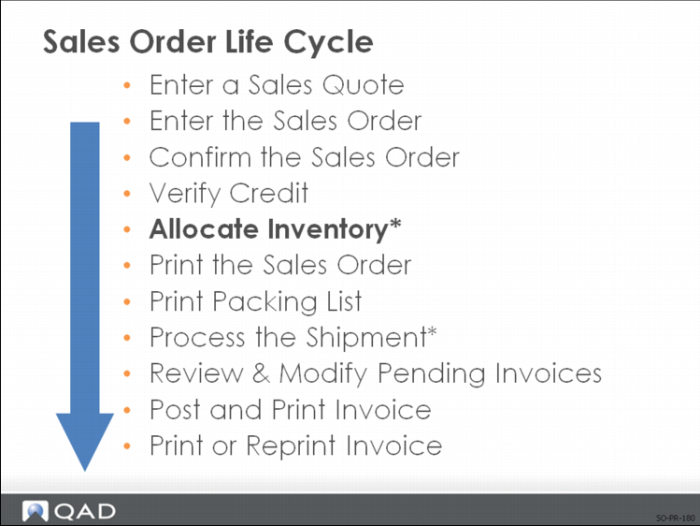
Allocate Inventory
Allocating inventory is the process of reserving items to fill an order.
Note: Allocation is covered at length in the Training Guide: Allocations and Shipping. If you are taking this course as a part of the Sales Order Management course set, Allocations and Shipping will be the next course covered.
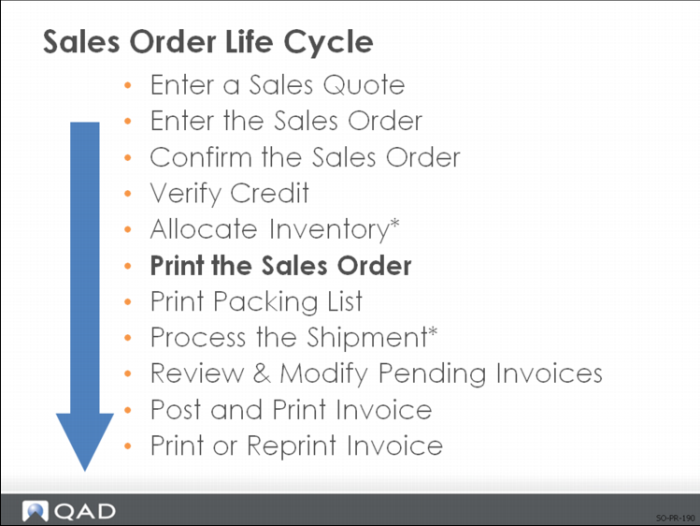
Print the Sales Order
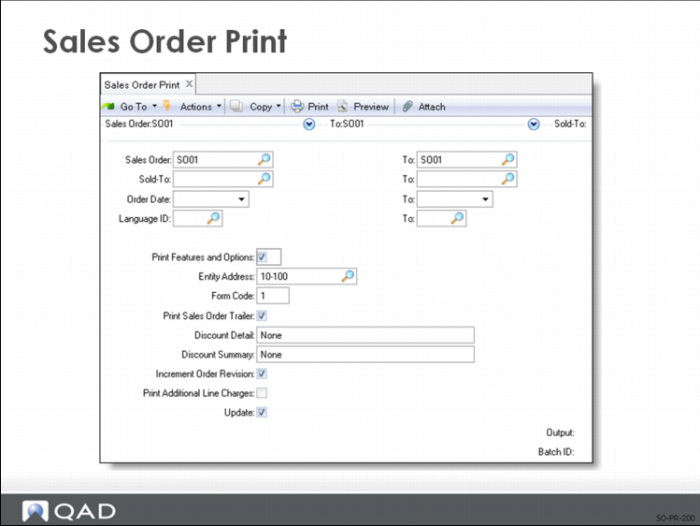
Printing sales orders in QAD Enterprise Applications is performed using the Sales Order Print menu item.
Sales Order Print
Sales orders print in the same three-section format as they are created in the system:
• Header
• Line Items
• Trailer
Note: If you select a range of sales orders to print, the system skips any orders in that range being entered in Sales Order Maintenance or Pending Invoice Maintenance during the print run.
After printing the sales order
• Print Sales Order field in Sales Order Maintenance is set to No
• To reprint, change the Print Sales Order field back to Yes and reprint
Note: The quantity shown on the sales order is the quantity open. If you reprint the sales order after shipment, the quantity does not reflect the original quantity ordered.