Returns
You can handle returns in the Sales Orders/Invoices module and in the Service/Support Management module using a Return Material Authorization (RMA).
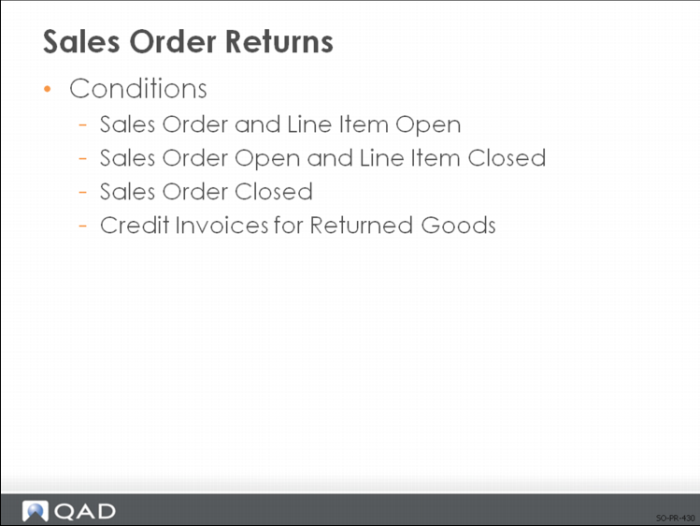
How you process a return depends on:
• Whether the sales order is open
• Whether the line item is open
RMAs are discussed in Training Guide: Service/Support Management.
Sales Order and Line Item Open
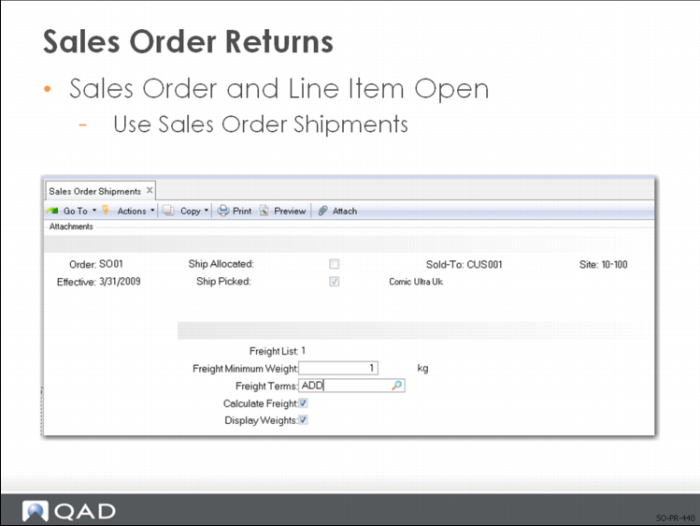
When both the sales order and the line item are open at the time of the return, you can process the return using Sales Order Shipments (7.9.15) as follows:
1 Enter the line item for the item being returned.
2 Enter the quantity returned as a negative amount.
3 Enter the location where the item was restocked.
Note: In most cases, the return are received into a quarantine or inspection area. This procedure completely reverses all the transactions generated with the original shipment.
Sales Order Open and Line Item Closed
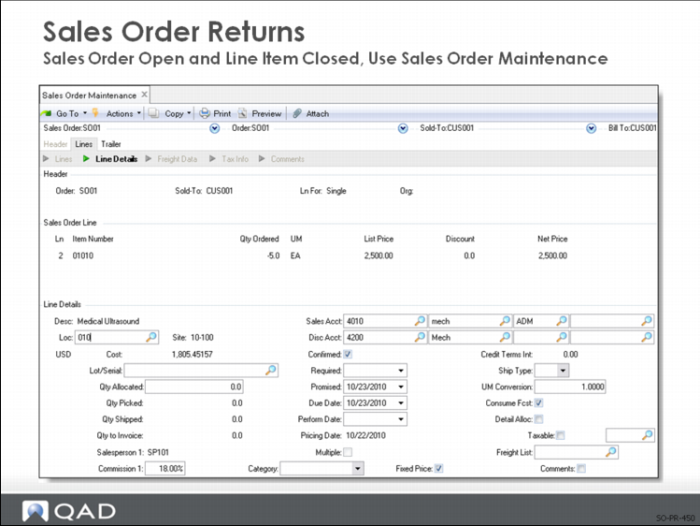
When the sales order is still open at the time of the return and the line item is closed:
• Add a line item for the returned material as a negative amount to the original open sales order
• Process the Sales Order Shipment
• The system then processes the return as a negative receipt
Sales Order Closed
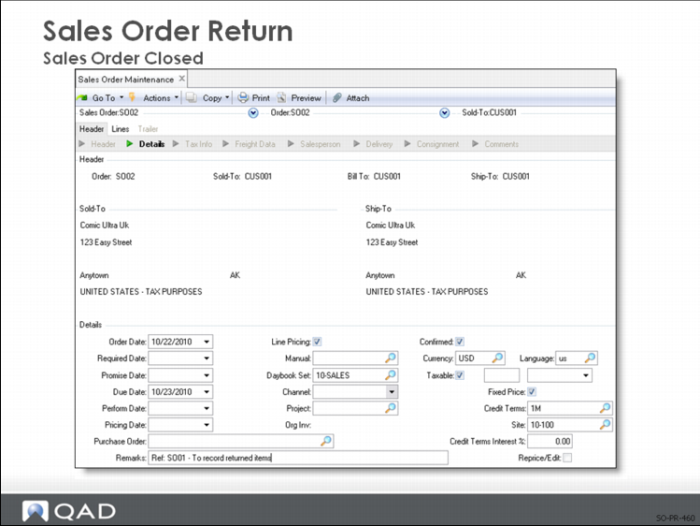
If the original sales order is closed when the item is returned:
• Create a sales order to receive the item
• Enter the returned quantity as a negative amount
• Reference the original closed sales order in the comments area of the new sales order to keep a record of the action
• The system then processes the return as a negative shipment
You can add the prefix RGA to the number manually. Use the channel codes to pull out RGAs on reports. Use a different form number to print returns. Use type M for changes to pricing only.
Note: You can also use the correction invoice functionality in QAD EE, which streamlines the process of corrected posted invoices. For details, see
Correction Invoices.
Credit Invoices for Returned Goods
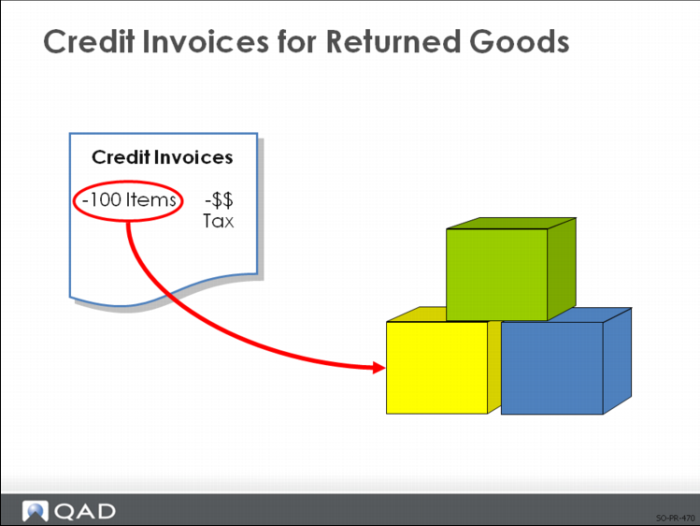
Use Pending Invoice Maintenance to process a credit invoice for a sales order return using a negative quantity for the shipment.
• A credit invoice credits the customer account for the amount of the returned materials plus any applicable taxes
• Process a credit invoice using the same procedure as a regular invoice
Note: If you use Receipts-Sales Order Return to return inventory to stock, use Pending Invoice Maintenance with Type = M (for non-inventory items).
This transaction is also useful in cases where you want to give the customer credit without the return of the items.