PC Inventory Reports
Inventory Valuation Browse (30.5.13.1)
This report lets you select periodic cost period/year. If you use .NET UI, you can specify additional search criteria; for example, item number.
The report displays the current and standard cost set, quantity on hand, and quantity cost by item and site.
Inventory Details by PC Cost Browse (30.5.13.2)
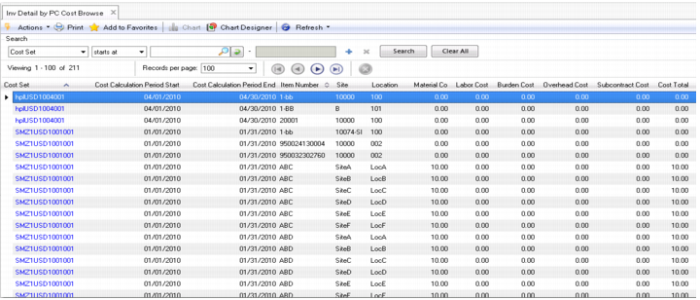
This report displays PC unit cost and total cost per transaction. It displays the cost set; cost calculation period start/end; item number, site, and location; material, labor, burden, overhead, and subcontract costs; cost total; current quantities unconsumed; quantity on hand; and total cost.
Inventory Detail by PC Cost Browse (30.5.13.2)
Current Surplus Inventory Browse (30.5.13.11)
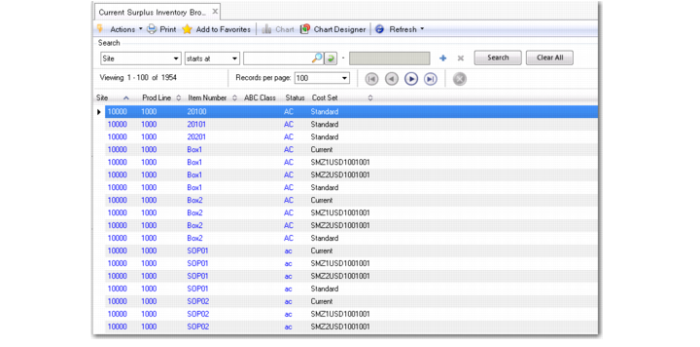
This report lets you display the cost set by site, production line, item number, ABC class, and status.
Current Surplus Inventory Browse (30.5.13.11)
Project Surplus Inventory Browse (30.5.13.12)
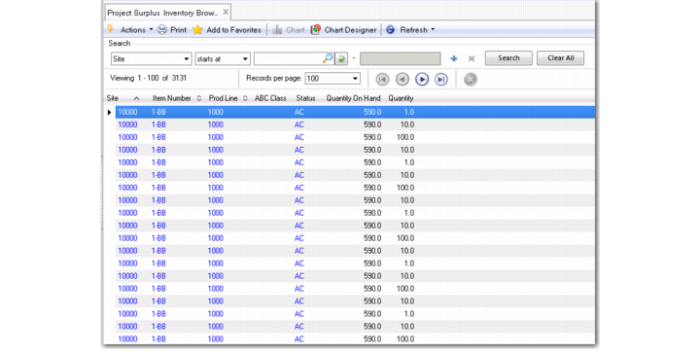
This report displays similar data to Current Surplus Inventory Browse except that it displays the quantity on hand and total quantity for site, item number, product line, ABC class, and status.
Project Surplus Inventory Browse (30.5.13.12)
Inventory Trans Detail Inquiry (30.5.13.13)
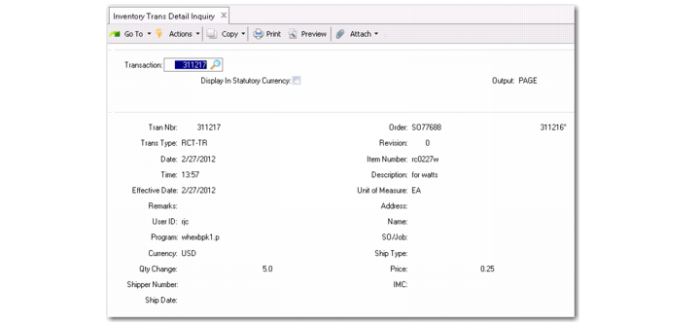
Use this report to display data, optionally in the statutory currency, by entering the transaction number. You can specify that data display by several different criteria, including:
• Transaction number and type
• Date and time
• Effective date
• Order or revision number
• Item number and description
• Unit of measure
• User ID
• Address or company name
• Program
• Currency
• Quantity change
• Shipper number, ship type or ship date
• Sales/job
• Price
Inventory Trans Detail Inquiry (30.5.13.13)
Inventory Trans By Item Report (30.5.13.14)
This report is similar to Inventory Trans by Item Report (3.21.14). It displays data by a range of item numbers, effective dates, dates, order, site, sales/job, or transaction type. You can optionally display in statutory currency.
Inventory Trans By Order Report (30.5.13.15)
This report is similar to Inventory Trans by Order Report (3.21.13). It displays a similar search criteria by a range of order, transaction date, item, site, or sales/job. You can specify a transaction type or, optionally, display in statutory currency.
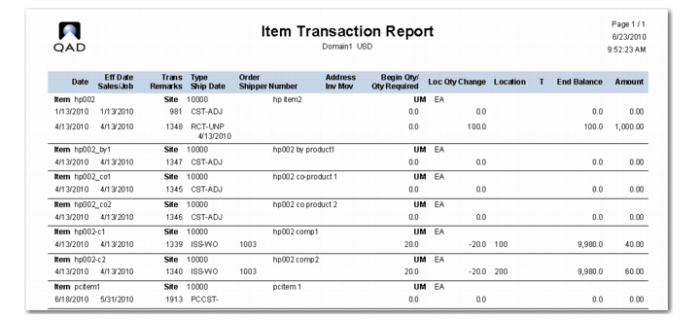
Item Transaction Report (30.5.13.17)
This .NET UI-only report includes an extensive filter that lets you choose data to display. The top menu bar also lets you specify report settings such as footer or header search criteria, the short date format and date separator, or decimal settings. You can also view the schedule or history from the top menu bar and output to Excel or PDF.
Once you set reporting criteria, you click the Run button in the top menu bar to run the report.
Item Transaction Report (30.5.13.17)