Advanced Repetitive > Working with Planning and Scheduling Workbenches > Production Line Item Update
  
Production Line Item Update
Use Production Line Item Update (18.22.1.21) to update the production lines/item setup in a mass update method. You mass set up production lines, machines, or work centers with items using Production Line Item Create.
Use Production Line Item Update to:
Update/change the Pur/Mfg code for all items on a production line when you have not historically maintained the Pur/Mfg code.
Apply the default production line run rate against all items on a production line.
Apply run rates to production lines.
Make a production line the primary line.
Delete items from a production line.
The following table shows you the Pur/Mfg codes for production orders and order types.

Pur/Mfg Codes for Production Orders
 
Pur/Mfg Code
Production Order Status
Production Order Type
N/A
P
Generic
Blank
F
Discrete
M
F
Discrete
L
F
Repetitive
All others
F
Discrete

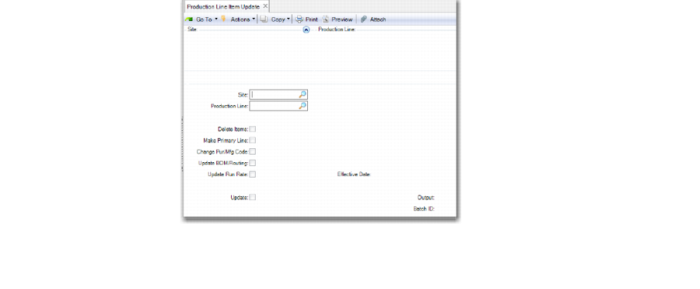
Production Line Item Update (18.22.1.21)
Site
Enter target site for the production line/items.
Production Line
Enter the target production line/items for applied actions.
Delete Items
Specify Yes to remove all items from production lines.
Make Primary Line
Specify Yes to change the primary line of the existing item/production line target relationship.
Update Run Rate
Specify Yes to apply the production line run rate against all items assigned to the target production line.
Change Item Pur/Man Code
Specify Yes to change the item master and site master (if it exists) Pur/Mfg code on all items associated to the production line.