Execute Upgrade
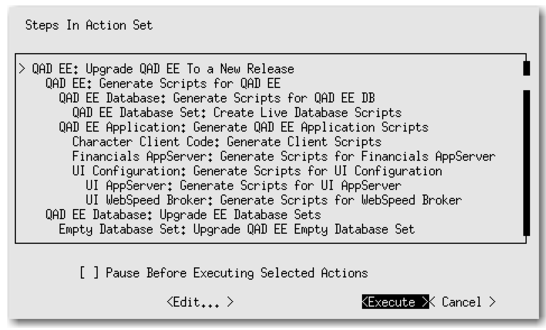
1 Tab to Execute and press Enter to start the upgrade as shown in the following figure.
Execute Upgrade
2 You are prompted to clear the log. Enter yes or no, depending on your preference.
The upgrade proceeds until it finishes or an error occurs. No further input is required until the upgrade ends.