Creating a Snapshot
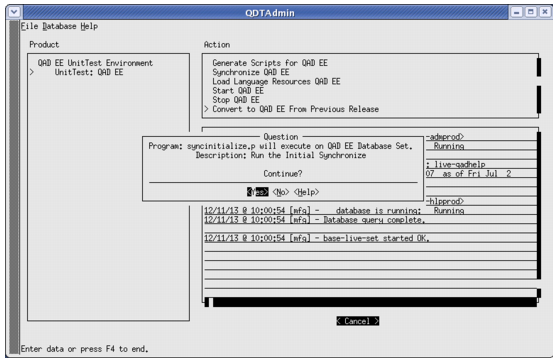
1 Exit QDT at the step where you want to take the snapshot.
Exiting QDT
2 Stop the environment by running the stopenv.<environment_name> script under <QDT_install_directory>/envs/<environment_name>/scripts.
3 Back up the following files and databases:
• <QDT_install_directory>/finconvdata.ini
• <QDT_install_directory>/xml/QDT_<hostname>_<environment_name>.xml
• qaddb and qadadm databases under <QAD_EE_install_directory>/db/ (use the probkup utility)
4 Restart the environment by running the startenv.<environment_name> script under <QDT_install_directory>/envs/<environment_name>/scripts.
Note: To maintain the integrity of the snapshot, QAD recommends placing all of the files backed up during a snapshot into one location.