Installation
The Reporting Service is installed with an installer hosted by the QAD Applications Home Server.
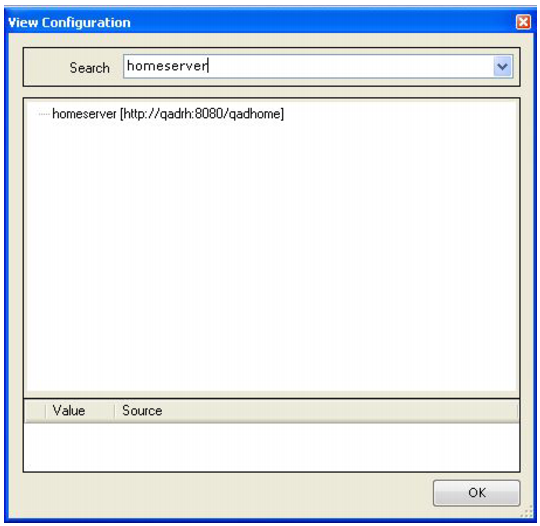
1 You can display the location of the QAD Applications Home Server from the QAD Applications Client by choosing Help|View Configuration in the client and entering homeserver in the search text box.
QAD Applications Home Server
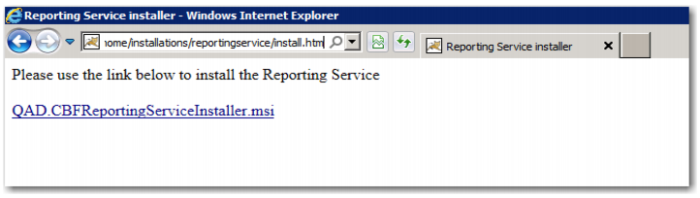
2 Go to the Windows server where you will install the QAD Reporting Service. Use Internet Explorer to connect to the setup. Navigate to:
<home_server>/installations/reportingservice
/<year_of_qad_installation>/install.htm
3 Click the Install button.
QAD Reporting Service Installation
4 You may see the following security dialog box, depending on how Internet Explorer is configured.
Internet Explorer Security Warning
5 If you see this dialog box, click Run to continue.
Internet Explorer Security Warning
6 If you see this dialog box, click Run to continue.
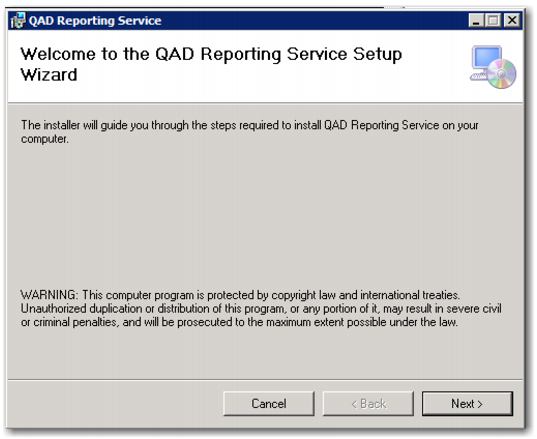
QAD Reporting Service Setup Wizard
7 Click Next.
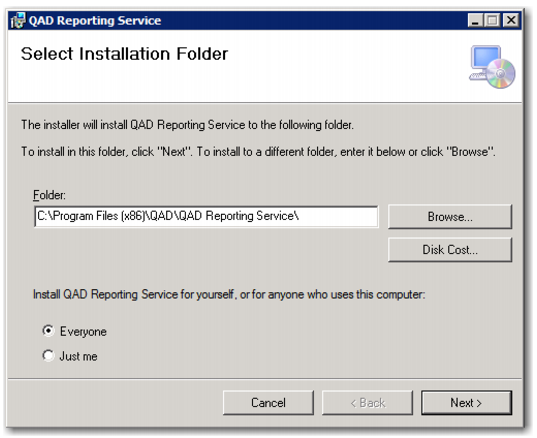
Select Installation Folder Screen
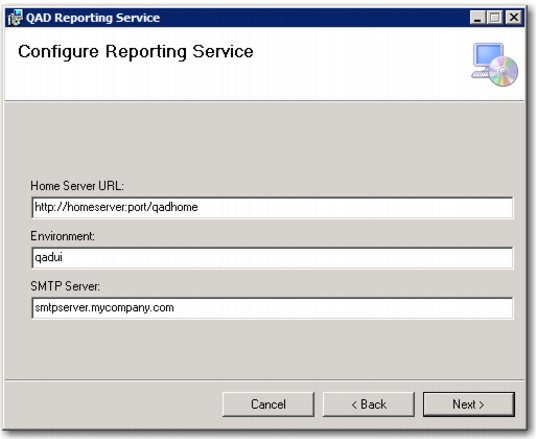
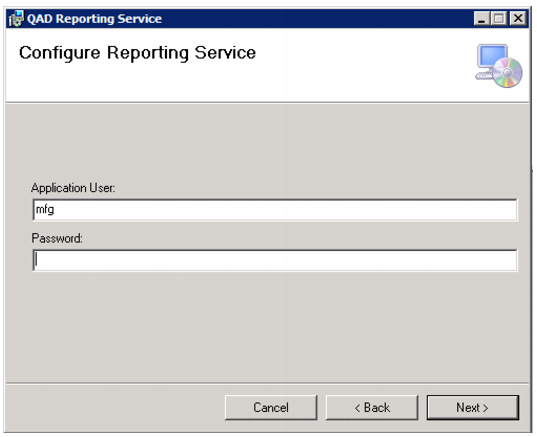
8 Click Next and provide the configuration parameters listed in the following table.
Reporting Service Configuration Settings
Parameter | Description |
Home Server URL | The URL to the QAD Applications Home Server |
Environment | The name of the Home Server environment for which this instance provides reporting services. The environment name displays in the title of the QAD Applications Client. It is the value to the left of the colon (:). |
Application User | The QAD user account the service uses to connect to other QAD services. |
Password | The password associated with the application user account. |
SMTP Server | The IP address or host name of the server supporting the Simple Mail Transfer Protocol on port 25 |
Configure Reporting Service Screen
9 Click Next.
Configure Reporting Service Screen
Confirm Installation Screen
10 Click Next.
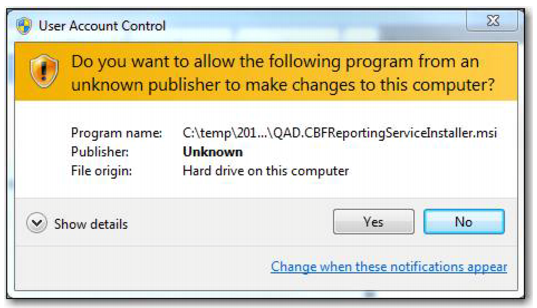
User Account Control Screen
11 Click Yes to continue with the installation.
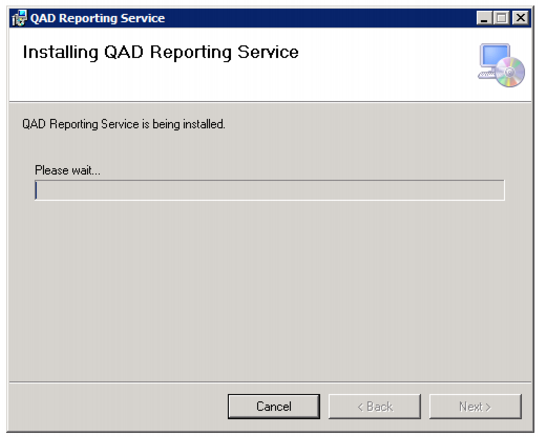
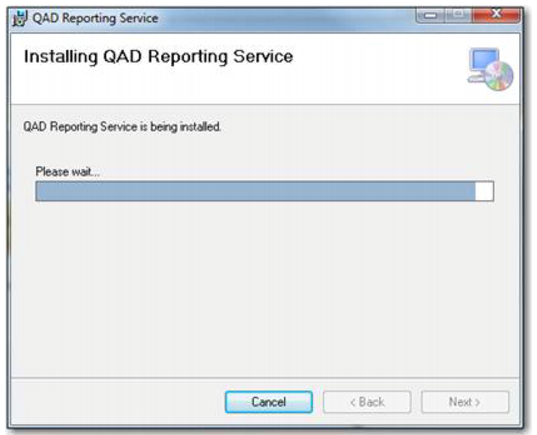
Installation Progress Screen
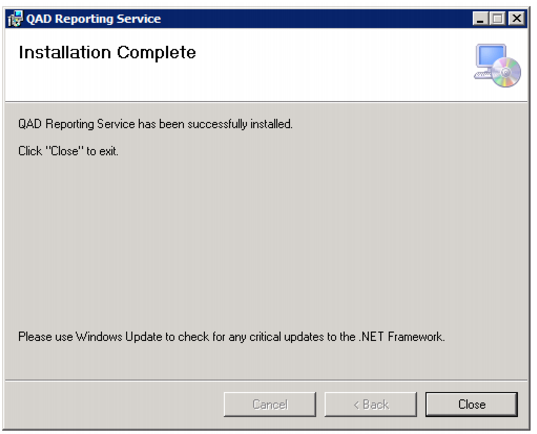
12 Click Finish.
Installation Complete Screen
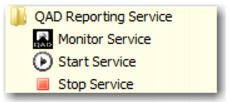
The installer configures the Reporting Service as a Windows Service named “QAD Reporting Service” running on TCP/IP port 4331 and creates shortcuts to start, stop, and monitor the service.
Reporting Service Shortcuts