Exporting the Signatures
Use Regional Accounting/Tax Data Export (36.5.3) to export the audit file.
Regional Accounting/Tax Data Export
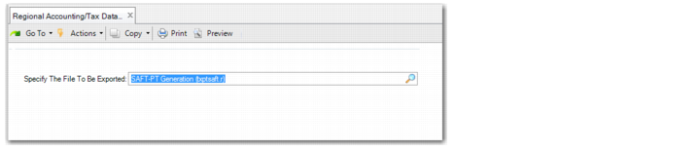
Specify the File to be Exported
Select the file name you defined in Generalized Codes Maintenance.
When you specify the file name, click Next. The second frame is displayed.
Regional Accounting/Tax Data Export, Second Frame
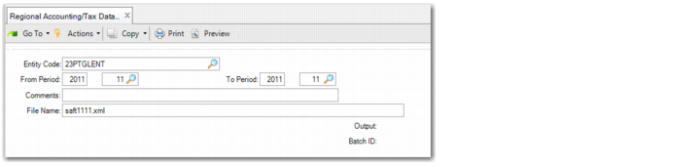
Entity Code
Specify the entity from which you want to export invoice certification data. The default is the current entity.
From Period
Specify the first GL calendar year and period for which you want to export data. The default is the current GL calendar year.
To Period
Specify the last GL calendar year and period for which you want to export data. The default is the current GL calendar year. The time frame must be within a single calendar year.
Comments
Specify up to 40 alphanumeric characters to record a comment on the data export.
File Name
This field displays the name of the XML file to export. The name is defaulted by the system. However, you can overwrite the default and specify a different file name.
Click Next to extract the XML file.