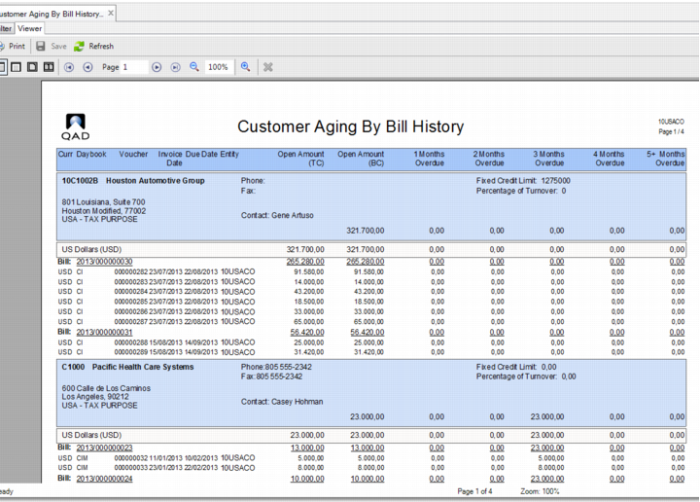
Customer Aging By Bill History Report
To get an overview of overdue bills, use Customer Aging By Bill History (27.17.20). Based on the report filter, the report displays the outstanding bills for a customer and the age of the bills. You can display bills with the detail of invoices or bills without detail. The mandatory search criteria to enter are:
• To GL Cal Year
• To GL Period
• Date for Aging Calculation
• Aging Offset
If the Detail Level field is set to Full Details, the report contains details of each invoice on each bill. The header contains the customer information and a summary of due amounts for each column.
Customer Aging By Bill History