Running the QRF Version of a Report
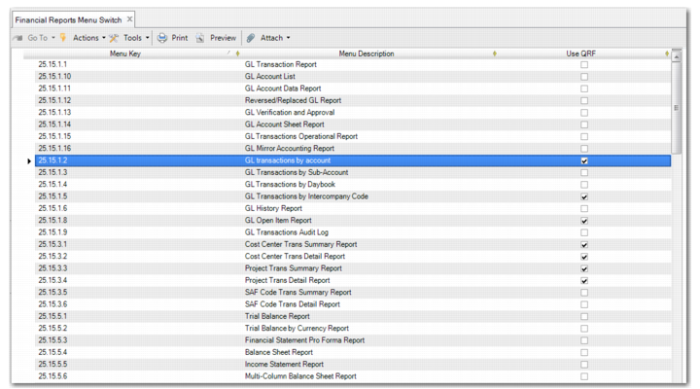
For reports that have been converted from Crystal Reports to QRF, new installations of QAD Enterprise Applications run the QRF versions of the reports. For existing installations that have been updated to the latest version of QAD Enterprise Applications, the menu items run the old Crystal Reports version by default. To use the QRF version of a report, open Financial Reports Menu Switch (36.24.3.8) and select the Use QRF field for the report that you want to run in QRF.
If you select or clear the Use QRF field for a report, save your change and then log off QAD Enterprise Applications and log in again for the change to take effect.
Financial Reports Menu Switch