Settings
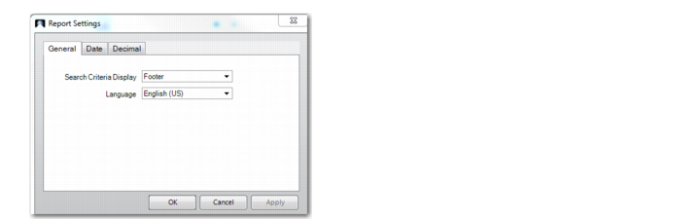
For QRF reports, use Report Settings to customize how certain elements of data display in the rendered report. In the Filter screen, click Settings on the toolbar to view the Report Settings dialog box.
Report Settings
• Under the General tab, specify whether to display search criteria in the report, and if yes, whether to display this information in the report header or footer.
• Under the Date tab, select a format for the dates to be displayed in the report and specify a date separator. You can see a sample of the date format you specify at the bottom of the dialog box.
• Under the Decimal tab, specify how numbers will be displayed in the report, including decimal separator, decimal digits, grouping separator, and grouping format. A sample number is displayed at the bottom of the dialog box.
All QRF-related topics are described in detail in QAD Reporting Framework User Guide.