Enable Conversions
1 Start QDT.
Windows: Select Start|All Programs|QAD Deployment Toolkit|Start QDT.
Linux or UNIX: Go to <qdt_install_directory> and run the qadinst installation script.
For Red Hat 6 or 7 environments, run the
qadinst_RH6_64bit or
qadinst_RH6_32bit executable. For more information on Red Hat requirements, see
QAD Progress Database Installation Guide.
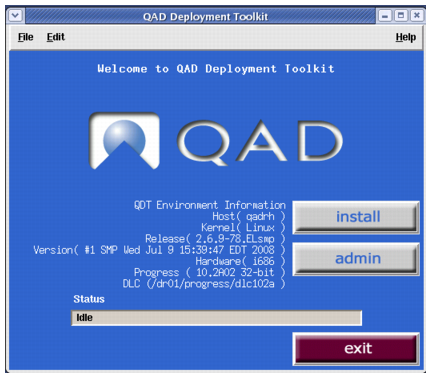
2 The QDT Main Menu appears again. Click the Admin button.
QDT Main Menu
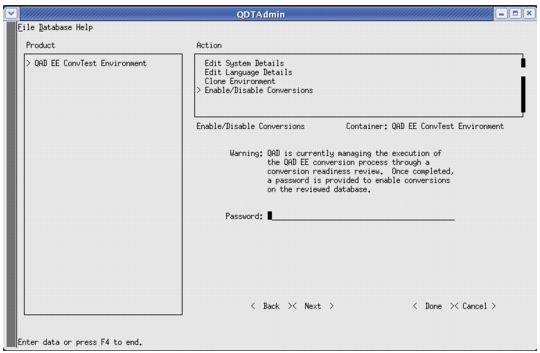
3 Enable conversions before proceeding.
Enable Conversions
The password required to enable conversions is supplied with the separate QDT release.