QAD Enterprise Edition
>
Installation-Conversion
>
Progress Conversion Guide
>
Snapshots
>
Back Up and Restoring a Snapshot
Back Up and Restoring a Snapshot
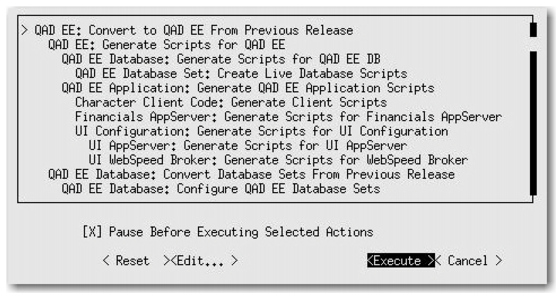
Select the Pause Before Executing Selected Actions box.
Pause Before Executing Selected Actions
Once selected, the conversion pauses at the steps defined in the configuration file. Before running each step, QDTAdmin prompts you to continue. This functionality allows you to select No, exit from QDT, and take a snapshot. You can then restart QDT and restart the conversion from where you left off.