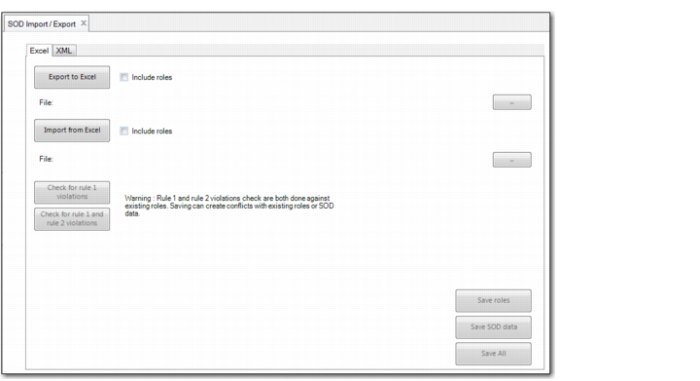
Importing and Exporting Segregation of Duties Data
SOD Import/Export (36.3.27.15) lets you create and load default data for segregation of duties categories, matrices, resource assignments, and roles using a single Excel spreadsheet. The function lets you check for role permission (Rule 1) and role membership (Rule 2) violations before saving the data to the database.
You can export segregation of duties data to an XML file to create default XML data that can be loaded during the deployment process. You can also import data from an XML file, which facilitates the loading of default SOD data. If you reload the default SOD data after you have modified SOD categories or the SOD matrix, the reloaded SOD default data overwrites the modifications and restores the SOD categories and matrix settings defined in the default data.
Important: The default SOD data provided by QAD is based on best practices, and has not been validated by an external audit company.
The Excel spreadsheet you export using SOD Import/Export (36.3.27.15) contains four worksheets:
• SOD Category
• SOD Matrix
• Resource
• Role
SOD Import/Export (36.3.27.15)