Generating Reports for Audit Configuration
You can use Audit Configuration Report (36.12.13.6) to get a report on what tables are audit enabled/disabled and their identifying fields.
Audit Configuration Report
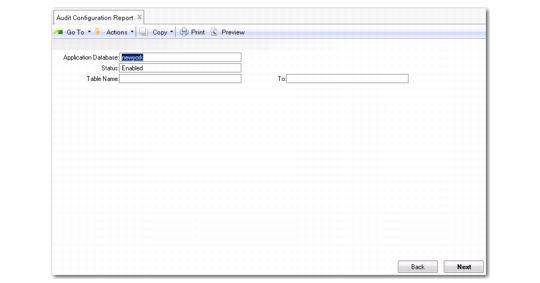
To generate an audit configuration report, specify the following:
Application Database.
Specify the database name.
Status.
Specify the auditing status of tables (Enabled, Disabled, or All).
Table Name and To.
Specify a range of table names. Typically, you leave these fields blank to get a report of all tables that meet the Status criteria.
Press Go to have the system retrieve the records according to the criteria you have specified and generate a report (or output file).
For each table that meets the criteria, the report shows the name, whether the table has been enabled for auditing, and the identifying fields.