Reporting Database Connection
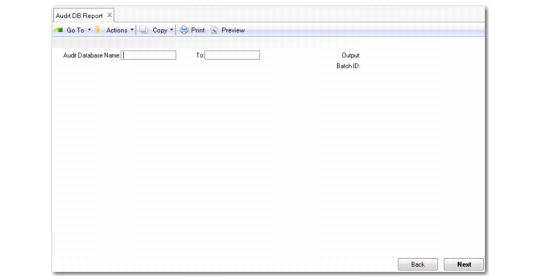
You can use Audit DB Report (36.12.13.12) to get a report on the database connection and its parameters.
Audit DB Report (36.12.13.12)
Enter the following:
Audit Database Name, To
Specify a range of database names. Typically, you leave these fields blank to get a report on the connection information of all archive databases.
Specify the output format and click Next to run the report.