Budget Reports
Objectives
Budget Reports: Definitions
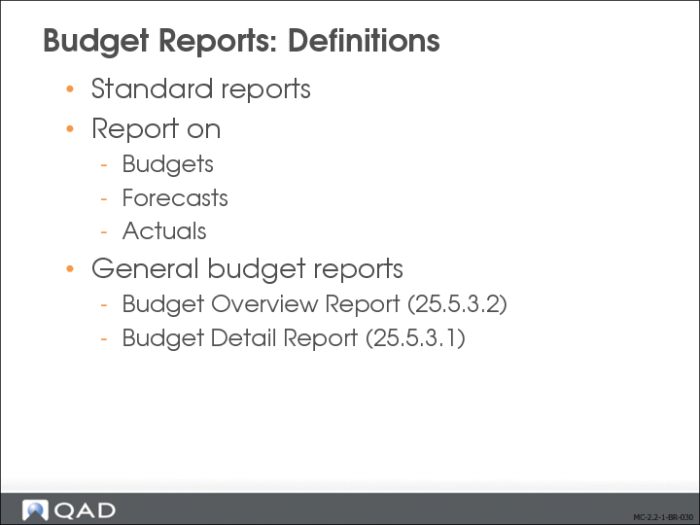
Standard budget reports are available in QAD Financials, with broad capacities.
Two reports let you report on budgets, forecasts, and actuals: the Budget Detail report and the Budget Overview report. You can run the reports for a single entity or across multiple entities. The reports also let you report on non-operational budgets.
Budget Overview Report
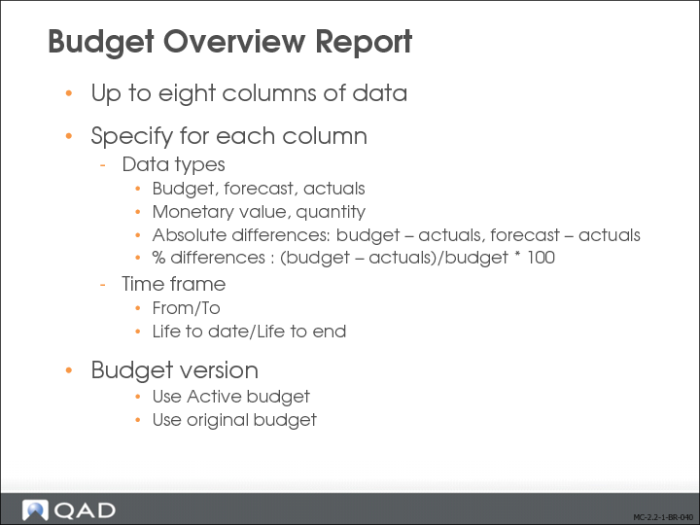
The Budget Overview (25.5.3.1) report lists summarized data by budget level. The data that resulted in the actuals are listed at the end of the report.
You can configure this report to display up to eight columns of data and specify what kind of data you want to include in each column. You do this by selecting the measure you want to use to generate the report data from the following list:
• Budget Qty
• Forecast
• Forecast Qty
• Actuals
• Actual Qty
• Budget – Actuals
• Forecast – Actuals
• (Budget – Actuals)/Budget * 100
• (Forecast – Actuals)/Forecast * 100
Other options include the following:
Time Frame Type for Actuals
Indicate how you want the system to select data to report for each of the eight columns:
From – To Period: Analyze data between the range of reporting period specified in Reporting Periods 1–8.
Life To Date: Analyze all data from the start of the budget to today.
Life To End: Analyze all data from the start of the budget to the end of the budget.
Version Measure
Indicate which version of the budget the measures should analyze:
See To Period: Find the version of the budget associated with the To Reporting Period specified for the column. This choice is valid only when Time Frame type is From – To Period.
Use Active Budget: Select actuals from the active budget. This is the typical way of analyzing data.
Use Original Budget: Select actuals from the initial version of the budget.
Budget Detail Report
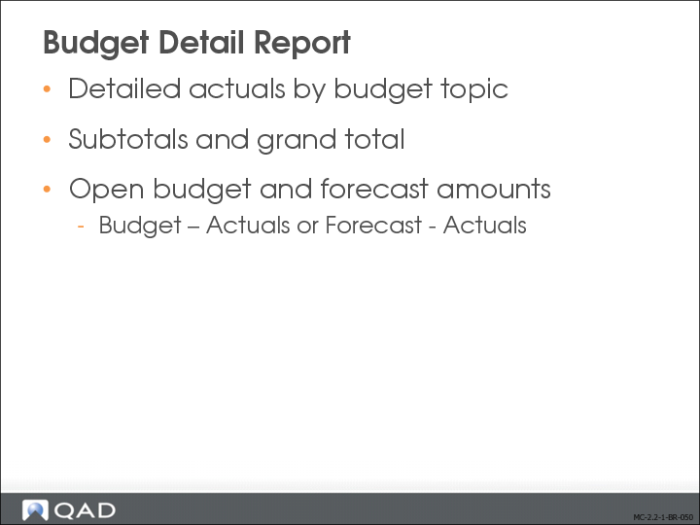
The Budget Detail (25.5.3.1) report lists detailed actuals by budget topic, with subtotals and a grand total. The report also displays open budget or forecast amounts.
This report has similar options to Budget Overview, but lets you choose one open budget calculation method from the following:
• Budget – Actuals
• Forecast – Actuals
The options for commitments are not currently supported.
The report includes the following other budget-specific selection criteria:
• Budget Code
• Budget Responsible
• Budget WBS Topic
• Operational Budgets Only (Yes/No)
• Reporting Period
• Reporting Year