Exercise 1: Creating a Report COA
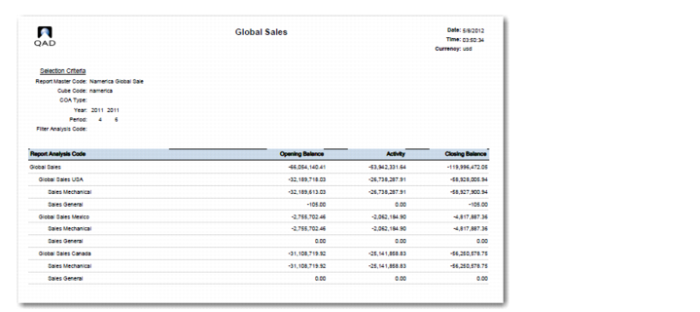
Use a chart of account to create a sales report for North America that shows the opening balance, activity, and closing balance for entities 10USACO, 11CANCO, and 12MEXCO.
1 Log in to the training database using the following details:
User: demo
Password: qad
2 Ensure that you are in entity 10USACO.
3 Create default COA elements that allow you to use incomplete mappings in the COA cross references:
a Create a catch-all GL account 1994 of type Standard. Accept all defaults in GL Account Create (25.3.13.1).
b Create a catch-all sub-account, FRWSA. Accept all defaults in Sub-Account Create (25.3.17.1).
c Create a catch-all cost center, FRWC. Accept all defaults in Cost Center Create (25.3.20.1).
4 Use Report Chart of Accounts Create (25.16.15.1) to create a common reporting chart of accounts:
Field | Value |
Report Chart | NAmerica |
Description | North American Chart of Accounts |
a In the Shared Sets tab, specify 10USA in the Defaults from Domain field.
b In the SAF Concepts tab, leave all fields blank.
c In the Default Accounts tab, specify the default COA elements that you created previously:
• GL account: 1994
• Sub-account: FRWSA
• Cost center: FRWC
• CTA account: 1994
d In the Entities tab, select entities 10USACO, 11CANCO, and 12MEXCO.
e In the COA Cross Reference tab, click Generate Mapping.
f Three mappings require COA cross-references of type Combined. Specify 10COACR in the COA Cross Reference fields for these.
g Save the record.