Creating an FRW Budget, Levels Tab
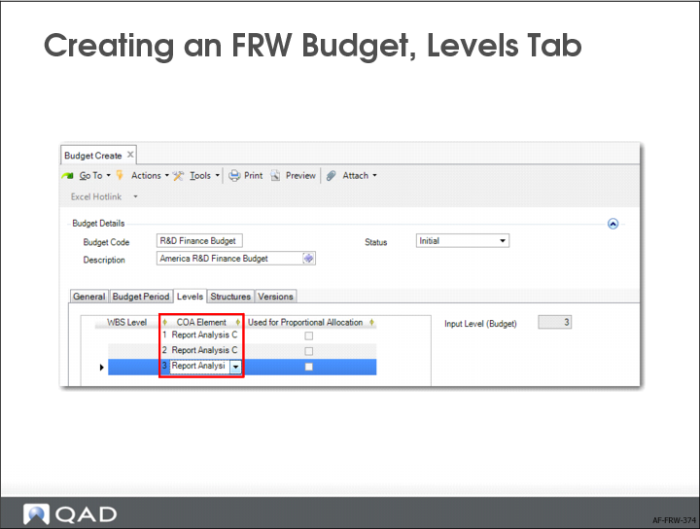
6 Select the Levels tab.
If you are creating a budget for use in Financial Report Writer, you can use report analysis codes and sub-total or the detailed COA dimensions GL account, sub-account, cost center, project, SAF, entity, and sub-total. A budget composed of COA dimensions cannot use the same dimension on more than one level in the budget and you can only link the related topic node to one item. You cannot link it to a range or a list. An FRW budget cannot have a mixture of report analysis codes and COA dimensions.
You can now specify a top level at which to link the budget to a COA dimension or report analysis code. You can add as many levels of these as you need for your budget. In this example, there are three levels of analysis code because there are three levels in the budget structure: R&D Finance (cost center), Country (entity code), and cost (GL category).