Excel Integration
Objectives
Overview
In this section, you will learn how to use powerful Excel integration capabilities in QAD Enterprise Applications.
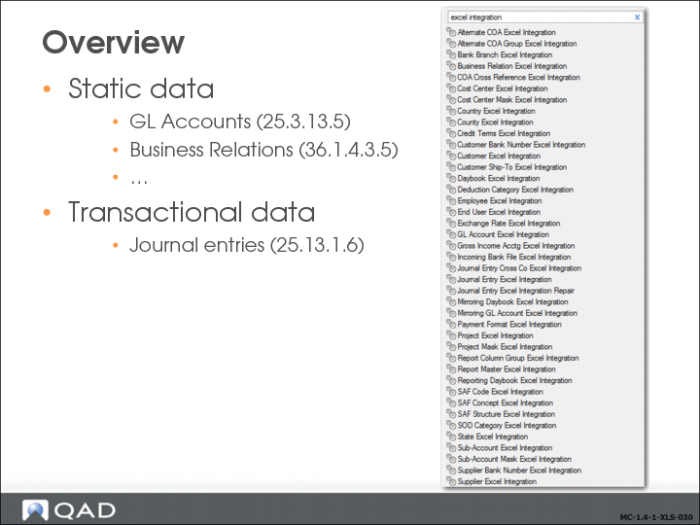
Excel integration can be used to upload and update master data such as chart of account data, business relations, and SAF structures. You can also upload transactional data such as journal entries.
Type “Excel integration” in the menu search bar to review the menu list.
Excel Integration Uses
Use the Excel integration feature to export data to Excel spreadsheets for analysis or reporting. You can also create new data within Excel and import it to the system database, where it is validated before being saved. Export to Excel for reporting is available in all browses and grids. Advanced Excel integration is supported in only a subset of components.
When you export to Excel, all settings configured for the specific type of record are placed in the spreadsheet, including custom business fields. Each setting and field is converted to a column heading, and the columns contain the value assigned to the field for that business component.
With advanced Excel integration, you can:
• Export all records to Excel for remote maintenance. You can then modify the data and re-import the saved results to the system database.
• Create a blank template that consists of column headings for all fields in a business component, and export this template for remote maintenance. You can then create the data in the spreadsheet or load data from another application into the template for import to the system database.
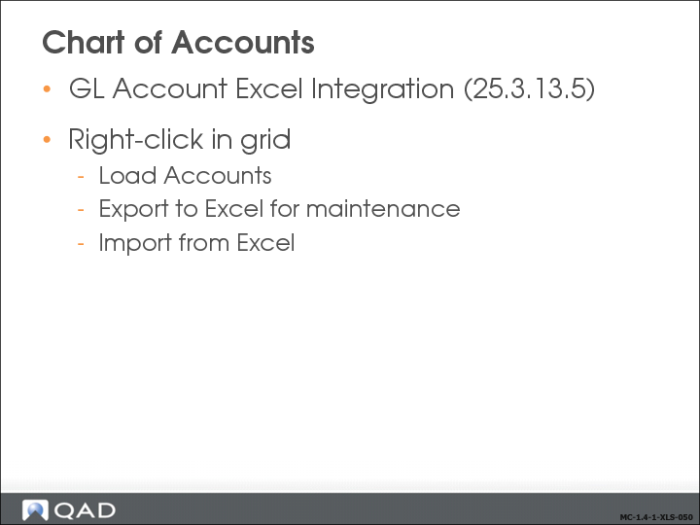
Advanced integration with Excel is available as a right-click option on the results grid of business components that support it. To view the complete list, see
Introduction to QAD Enterprise Applications User Guide.
Chart of Accounts
Load Data for Export to Excel for Maintenance
In the following sections, we will review the areas where Excel integration can be used, and learn how to load data for export to Excel for maintenance.
The Load option lets you retrieve all records for a supported business component (such as GL accounts and business relations) from the database, and export them to Excel for maintenance.
This activity includes multiple steps:
• You choose the Excel Integration activity and load data into the grid using the Load option.
• You then export the data to a spreadsheet, open the data in Excel, and modify it.
• After saving your changes, you return to the QAD application and import the modified data.