Inventory Control Program
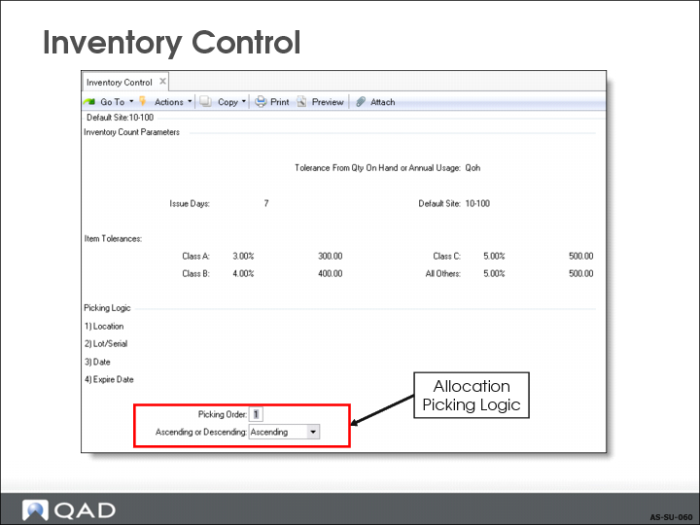
Inventory Control
• Picking Sequence to use for detail allocation on an item
• Detail Allocations reserve or allocate from specific sites, locations, lot/serial, and lot reference numbers
• Detail information prints on the picklist for use by warehouse personnel
If different inventory is picked, change it manually on the issue/shipment transaction
• Picking sequence defined in the control program is used for all sites and locations in the current working domain
1 (default). Allocating and pick inventory by location. This method is useful when you have sequential warehouse locations laid out for easy picking.
2 Allocating and picking inventory by lot/serial number. This method is useful when you assign meaningful lot/serial numbers; for example, it allows you to pick the oldest lots first.
3 Allocating and picking inventory by date created. This method is useful in LIFO or FIFO picking, but only if all inventory receipts are segregated by location, lot/serial, or lot reference number. Otherwise, the date created is meaningless.
4 Allocating and picking inventory by expiration date. If you have items with a limited shelf life, it is useful for making sure that the inventory closest to expiration are picked first.
Inventory can be sorted in ascending or descending sequence for the specified picking order.
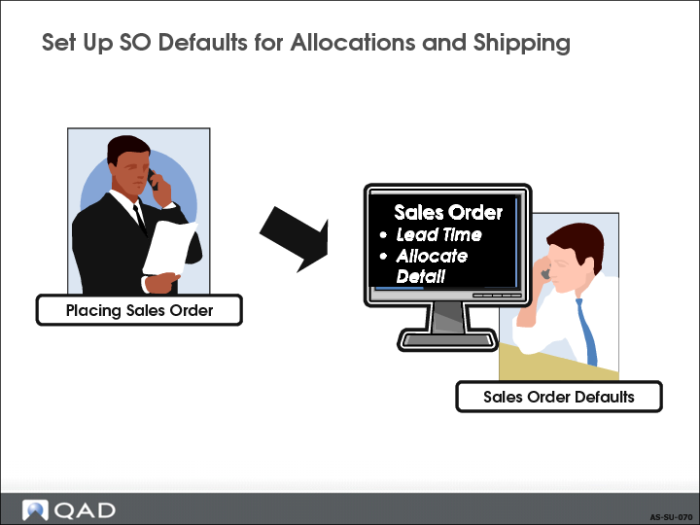
Set Up SO Defaults for Allocations and Shipping
Sales Order generates default data for allocations and shipping.