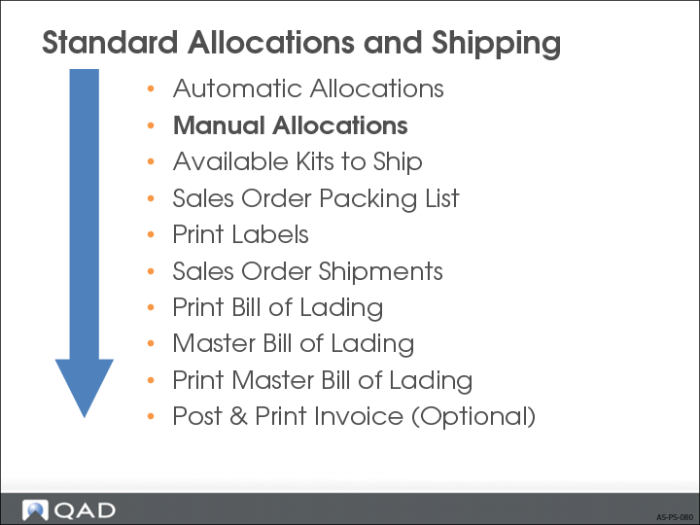
Manual Allocations
• Used to allocate stock manually
• Used to override general allocations and to correct picked quantities
• Manual allocations can be either general or detail
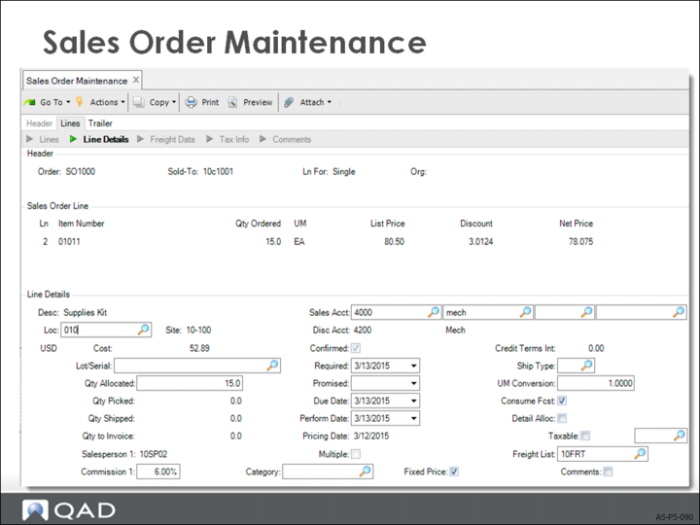
Sales Order Maintenance
• An existing order, with Detail Allocations = No can be manually overridden to accept a detail allocation.
• Allocation lead times can also be edited or manually changed on existing orders.
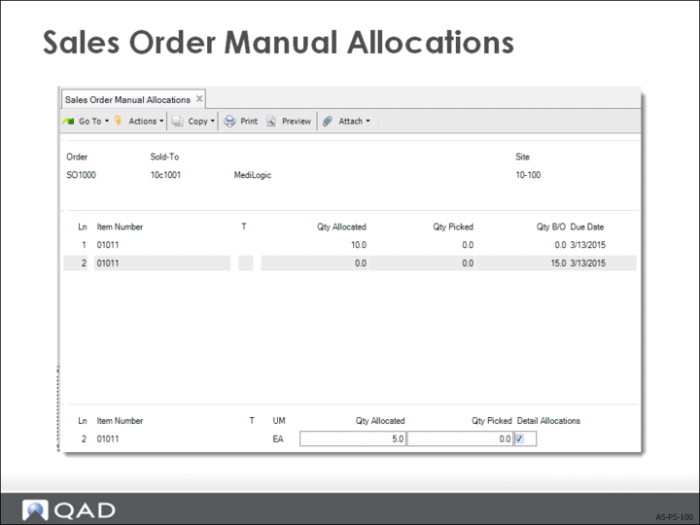
Sales Order Manual Allocations
• Used to allocate stock manually, and override general allocations:
Select the Sales Order
Assign the allocation lead time
Specify whether a Detail or a General Allocation
• To reprint a picklist:
Reset the Qty Allocated and set Qty Picked = zero on the Sales Order line
After a partial shipment, reset happens automatically
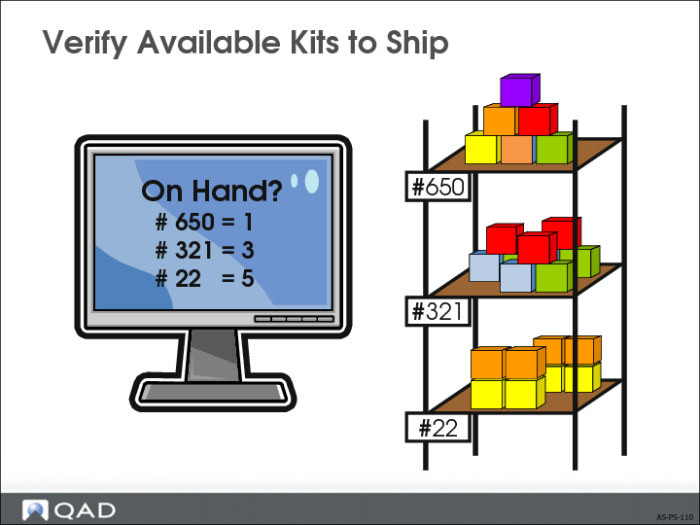
Verify Available Kits to Ship
• Examines the quantity of finished goods currently in inventory available to kit for a shipment for Kit configurations.
• Valid whether you choose Automatic or Manual Allocations as your generation method.