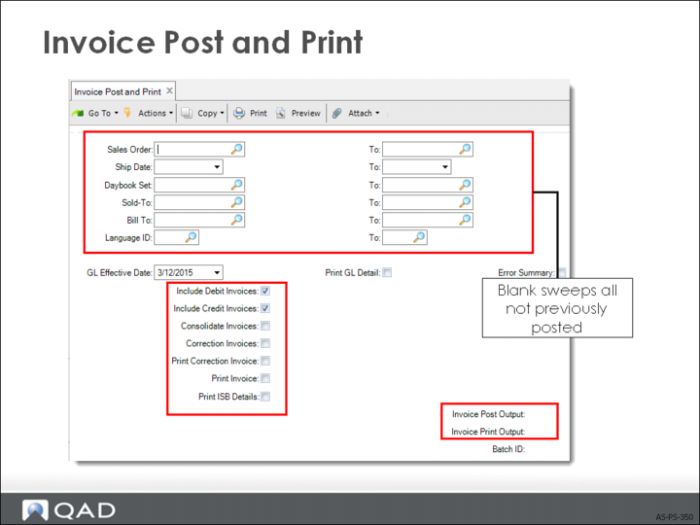
Invoice Post and Print
• Invoices (which itemize what a customer owes you for products you shipped) are normally printed and sent to the customer for verification and payment.
• In Global Tax Management, the tax detail (tax type, tax rate) prints only if Display Detail on Reports is Yes in Global Tax Management Control (29.24 in EE).
Posting and Printing an Invoice
• Each time you process a sales order shipment, QAD Enterprise Applications flags the sales order for invoicing.
• After you verify the invoices, run Invoice Post (which updates Accounts Receivable and invoice history).
• If you process more than one shipment against a single SO before printing the invoice, that invoice includes all items shipped.
• If you ship additional items after the invoice is printed, QAD Enterprise Applications flags it for reprinting.
• A new invoice replaces the original (which should be discarded), and includes the additional shipment.
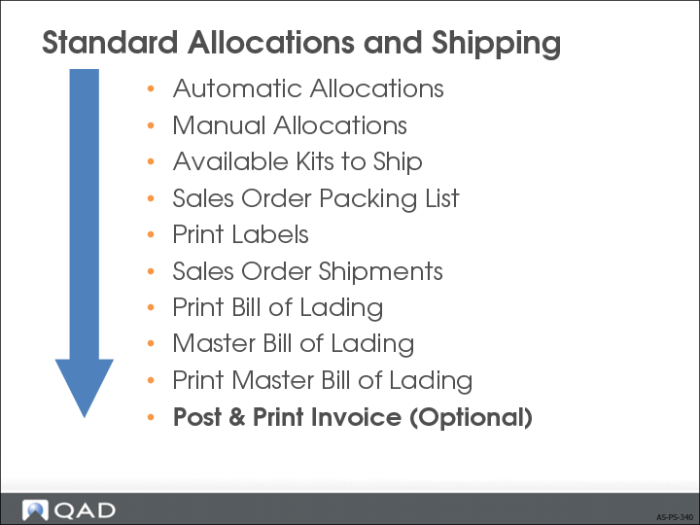
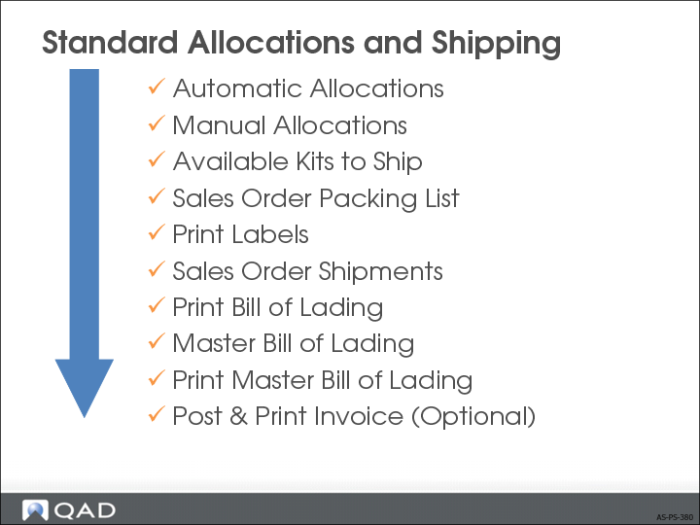
Standard Allocations and Shipping Process Summary