Create and Modify Performance Transactions
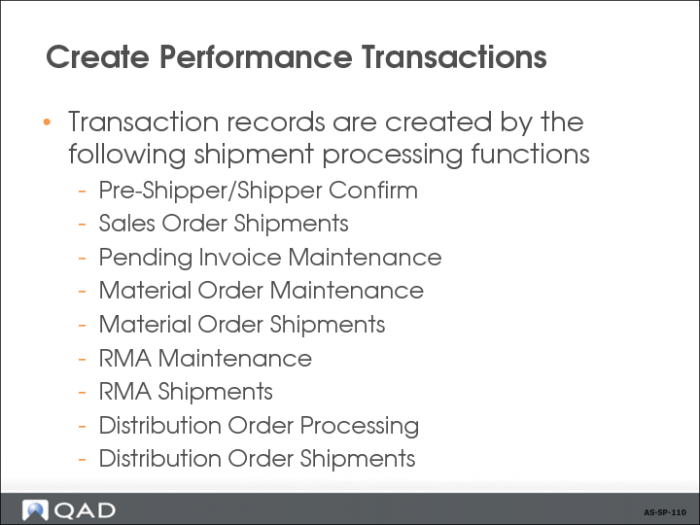
The system reviews Shipment Performance Control settings for the particular activity. For example, if you are processing a discrete order, it checks Shipment Performance Control to see whether to monitor shipment performance for discrete orders. Before assigning shipment performance status codes to scheduled orders, the system checks to see which schedule release to use for shipment time and quantity comparisons.
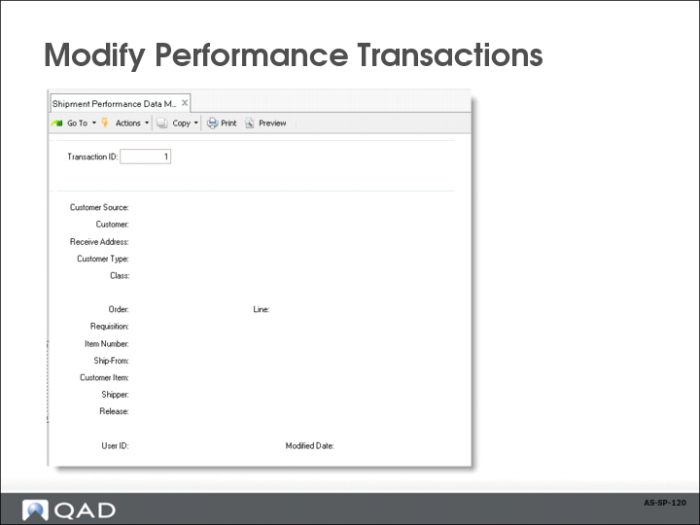
The system creates performance transaction records even when no status codes are assigned. For example, if a shipment is processed and no predefined status codes apply, the system creates a transaction record with blank status codes. Use Shipment Performance Data Maintenance (7.9.17.13) to add status codes to these transaction records. Make sure that you create new status codes for use with similar future shipments.
Note: Whenever you unconfirm a shipper using Shipper Unconfirm (7.9.21), associated performance transactions are removed from the system. Shipper Unconfirm deletes shp_hist and associated shpd_det records.
Use Shipment Performance Data Maintenance (7.9.17.13) to modify performance data and add comments to any performance transaction record. You cannot use this program to delete existing records or to create new ones.