QAD 2016 Enterprise Edition Training Guides
>
Allocations and Shipping
>
Track Shipment Performance
>
Report and Export Shipment Performance Data
Report and Export Shipment Performance Data
Shipment reports can be used to display performance-related data.
• Backlog/Missed Shipment Report
• Fill Rate Report
• Missing Reason Code Report
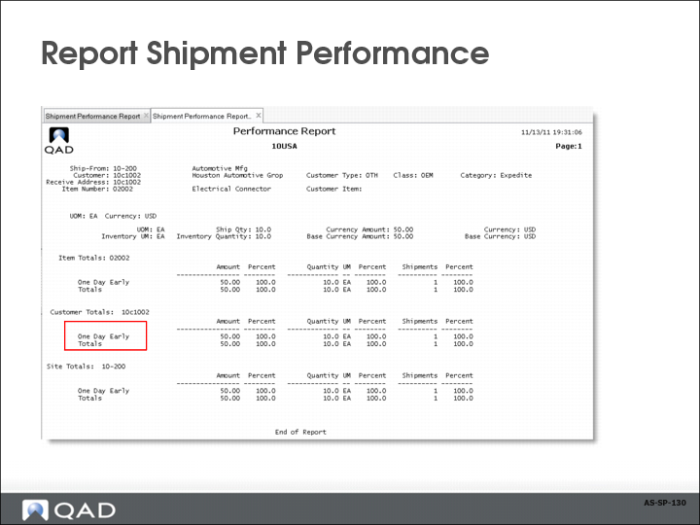
• Shipment Performance Report, displays overall shipping performance by time-based status code
• Item Analysis Report
• Customer Analysis Report
• Reason Code Analysis Report
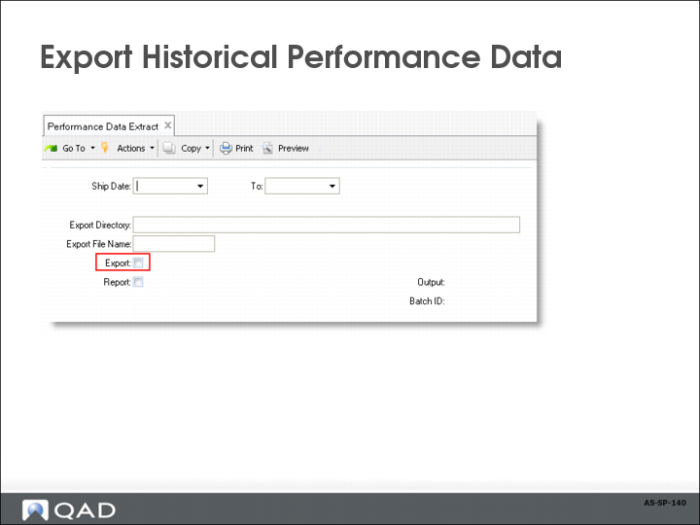
• Use Performance Data Extract (7.9.17.22) to generate a space-delimited file containing shipment performance history (shp_hist) and shipment performance detail (shp_det) data. The export file lists each complete shp_hist record, followed by the related shpd_det records, which are followed by the next shp_hist record, and so on.
• Use data management software, such as a spreadsheet application, to import the data file for analysis purposes.