QAD 2016 Enterprise Edition Training Guides
>
Product Costing Introduction
>
Account Structures
>
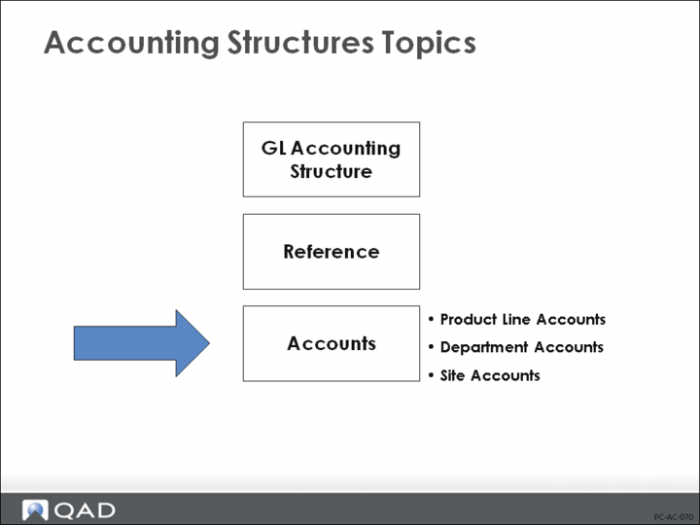
Accounting Structures Topics: Accounts
Accounting Structures Topics: Accounts
In this section, we will review each of the QAD Enterprise Applications costing accounts in detail.
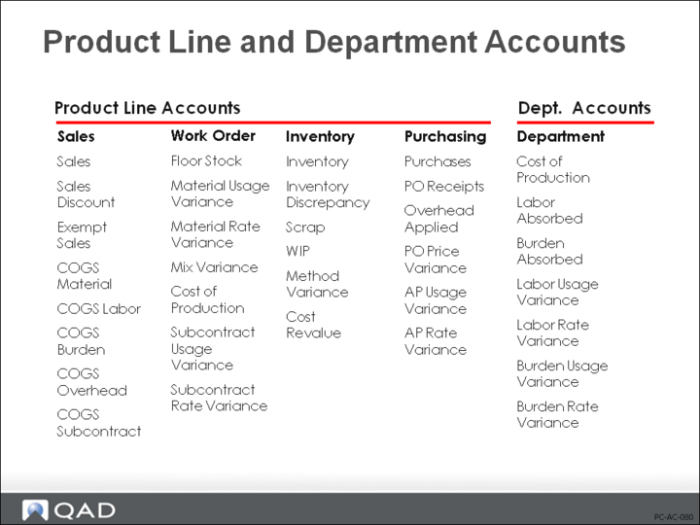
Product Line and Department Accounts: Overview
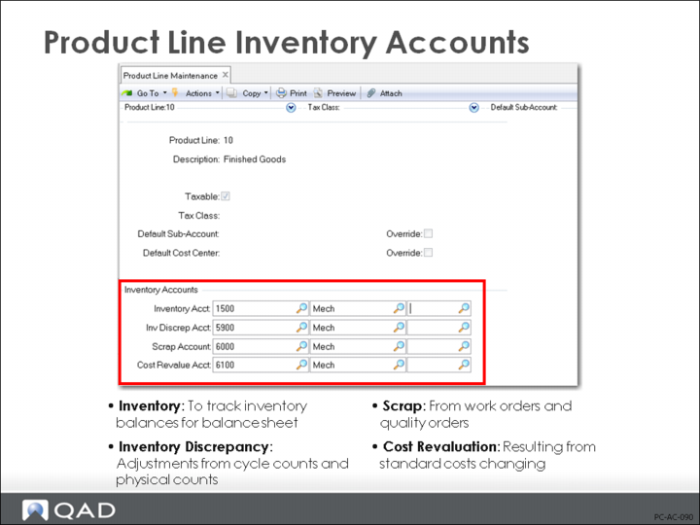
Inventory Accounts
In a perpetual inventory system such as QAD Enterprise Applications, every inventory receipt, issue, count, or transfer updates the Inventory account (at GL cost). The following are the specific inventory accounts set up in QAD Enterprise Applications, with information on the account type and the QAD Enterprise Applications functions that use the accounts.
Inventory
Tracks inventory value. Transactions affecting Inventory accounts include purchase order receipts, work order issues/receipts, sales order shipments, physical inventory counts, as well as manual inventory transactions. Each of these transactions affects inventory by creating a GL transaction which either debits (increases) or credits (decreases) the account value. If site/location inventory accounts are specified in Inventory Account Maintenance (1.2.13), all inventory transactions will use them. Otherwise, the product line inventory account associated to the item will default.
Inventory Discrepancy
Tracks inventory discrepancies due to cycle count or physical inventory adjustments. Positive count adjustments debit (increase) the Inventory account and credit (decrease) the Inventory Discrepancy account. Negative count adjustments do the reverse.
Inventory Discrepancy = Quantity change * total GL cost
Scrap
Records scrap amounts from work orders or quality orders.
Cost Revalue
Records the GL impact of item cost changes on inventory. Whenever the GL costs for items are changed using either Item Cost Maintenance, Item-Site Cost Maintenance, Cost Roll-Ups in the GL cost set, or Current Cost Set Move to GL Set, the system automatically creates revaluation postings in the GL. An increase in cost will cause a debit to the Inventory account and a credit to the Cost Revalue account. Note that GL item cost changes do not automatically revalue material in WIP. This material can be revalued by using WIP Material Cost Revaluation (16.22).
Cost Revalue = Cost change * total quantity on-hand