Set Up Product Change Control
PCC Set Up Overview
Product Change Control Setup
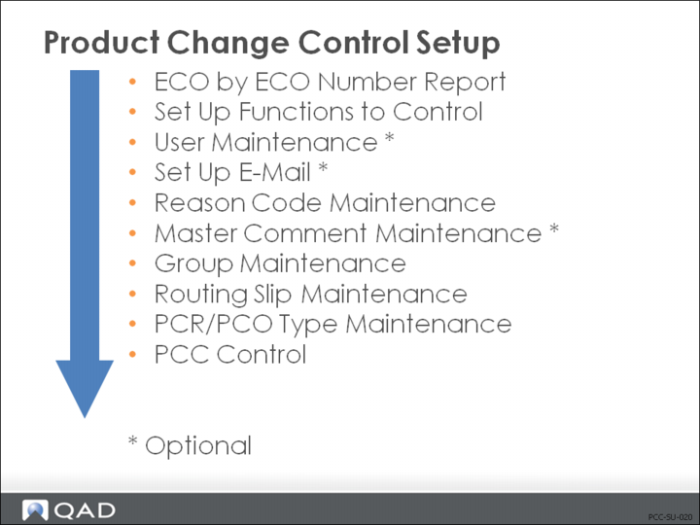
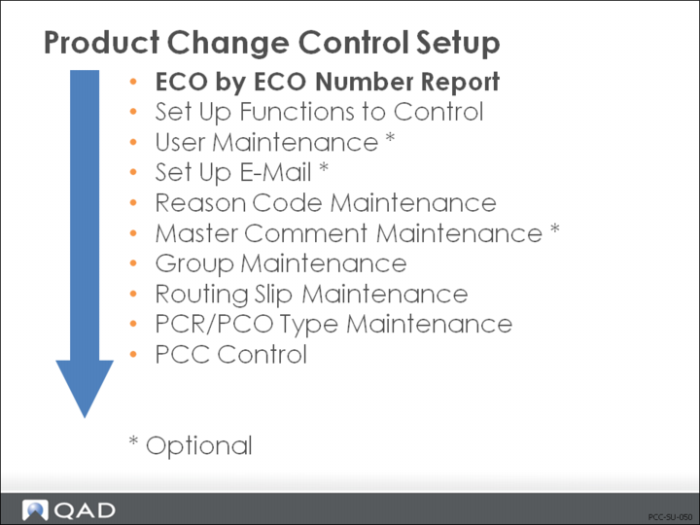
This illustration is a suggested setup sequence of master data for the Product Change Control module, which is based on information that flows from one master table to another and prerequisites that need to be accomplished before setting up a table.
The setup procedures for PCC assume general implementation of QAD EE has already been accomplished. The chapter outlines both required and optional setup procedures.
What is the procedure? | Who is responsible? |
Record ECO Data | IT and Management |
Create User IDs | IT |
Set Up E-Mail | IT |
Set Up Severity Codes | IT and Management |
Set Up Master Comments | Cross-Functional Management Team |
Define Document Types | PCC Management |
Create Groups | PCC Management |
Design Routing Slips | PCC Management |
Set Up PCC Control | PCC Management |
Prepare to Use PCC
1 If there are any existing Engineering Change Orders (ECOs) in the database:
Enter Engineering Change Notice (ECN) data manually into the PCC module.
2 As you prepare to use PCC, remember that the major benefit your business gains is that changes are expressed at the data level for product structures and routings, so that QAD EE can execute your instructions.
For example, a typical PCO might say, “Release new part B and obsolete old part A.”
Effective upon release of the PCO, the product structure for C has been changed from 1 EA A to 1 EA B.
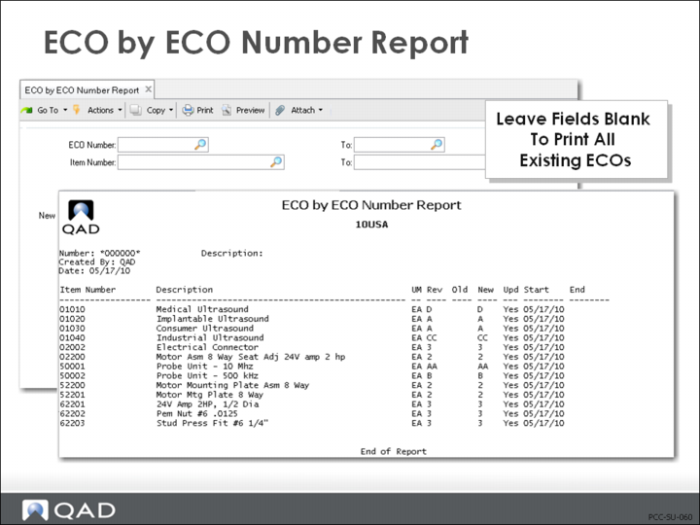
ECO by ECO Number Report (13.13.3)
• Print all existing ECOs
• Keep the report to use as the basis for keying new PCOs
Record ECO Data
• Enabling PCC is irreversible
You must print existing ECO information for manual conversion to PCRs or PCOs.
Set Up PCC Functions
• ECO is disabled by the PCC Structure Maintenance
• Different functions can be controlled
• Each function is activated separately
Exercise: Preliminary Setup
1 Verify Workspace: From the workspace menu select 10USACO.
Note: The workspace name appears in the top window frame.
Exercise: Set Up Addresses and Company Name
In this exercise, use Company Address Maintenance (2.12) to customize the screens and reports to show your company name.
Verify the company address for QMI USA Division, enter 10-100, Business Relation 10‑USA‑CO.
Exercise: Print Existing ECOs
In this exercise use ECO by ECO Number Report (13.13.3) to print the existing ECOs before enabling PCC.
• In an environment where you have ECOs, print the ECO by ECO Report.
• In a live database you would use this report to create new PCOs later.
• For the purposes of these exercises you can print to PAGE.