Create/Maintain PCO
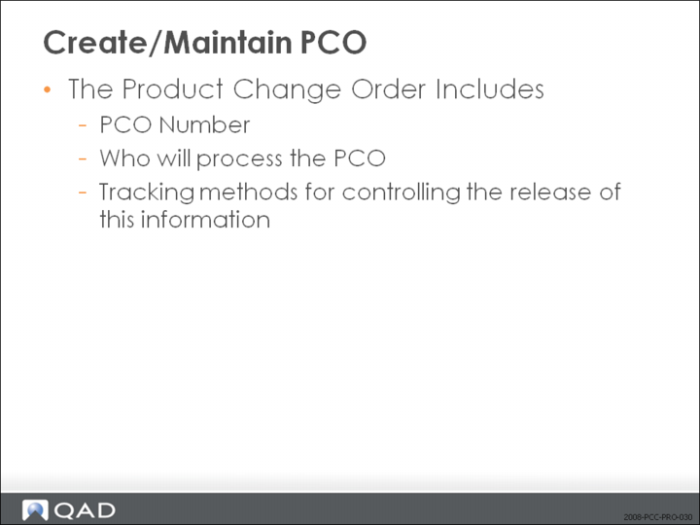
• Creating and maintaining PCOs is done in PCO Maintenance (1.9.2.13)
• After completing the first screen, a menu will appear that gives you access to functions which allow detail modification of the product change order
• Use your arrow keys to select a menu option
• Each menu item (except Trailer Maintenance) leads to another menu
• Select from the menu to bring up a screen to perform a function
Create/Maintain PCO
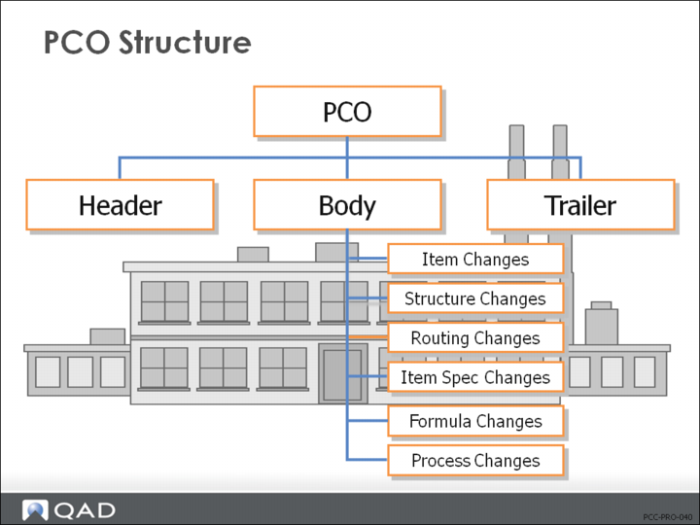
Product Change Order Structure
• PCOs have three main parts
• Header
• Body (optional text)
• Trailer
• Changes are specified in the Body
• We will discuss Item, Product Structure, Routing, and Item Spec changes
Formula and Process changes are optional to this discussion
PCO Maintenance
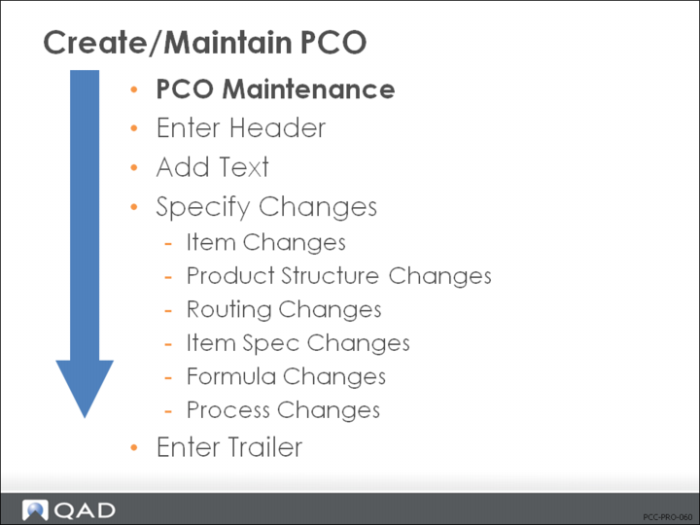
• PCO creation can be broken down into the following steps:
• Enter Header
• Add Text (optional)
• Specify Changes
• Enter Trailer
Direct Item Master Access, a function under the Item Data Maintenance Menu, gives you access to all items in the database. The modifications you perform using Direct Item Master Access take place in the item master table, not in the PCO.
Important: This function is the only function in PCO Maintenance that directly affects QAD EE production tables.