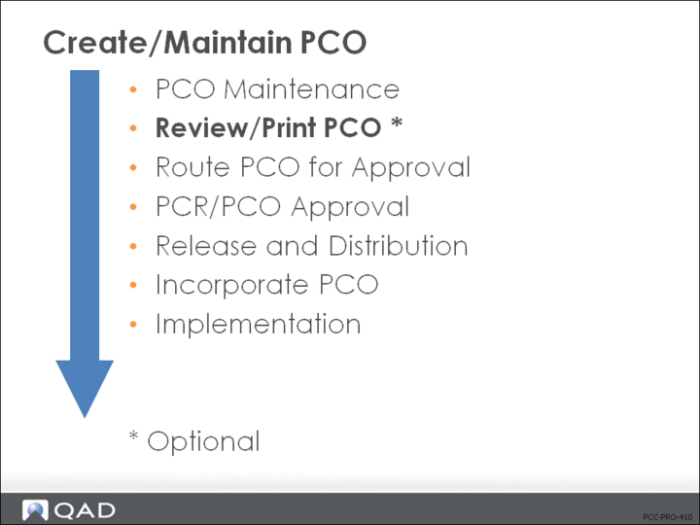
Review/Print PCO
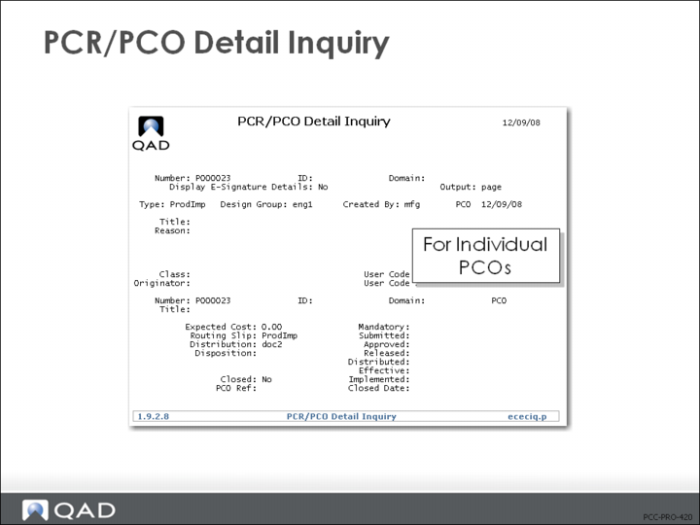
PCR/PCO Detail Inquiry (1.9.2.8)
Prints similar to Print PCR/PCO (1.9.9.1) but designed for just a single inquiry.
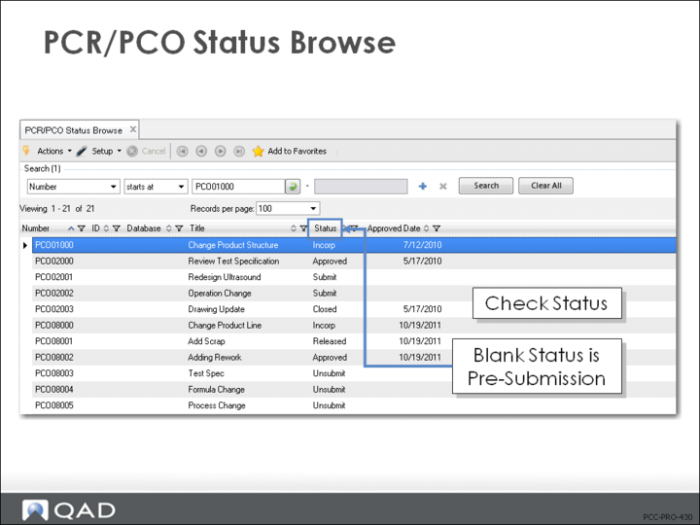
PCR/PCO Status Browse (1.9.11)
• Status shown as a column in the browse
• Blank status is Pre-submission
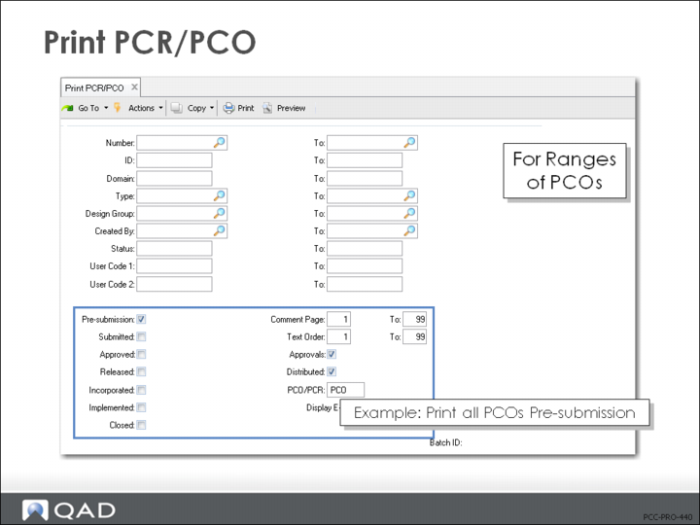
Print PCR/PCO (1.9.9.1)
• Provides a complete printout of all PCO/PCR information for ranges of PCOs/PCRs
• Prints header and status information, then (as appropriate) the approval group detail, item master detail, BOM detail in indented format, routing, process, and formula information, item specification data, and all text comments
• Bill of materials section of the report prints only the PCO bill and includes the current Qty Per from the product structure or formula record and the PCO Qty Per
• If a component has been deactivated, DEACTIVATED prints in the PCO Qty Per column
Exercise: Check Status and Print PCOs
In each of the exercises above you reviewed individual PCOs with a Detail Inquiry.
1 In this exercise, use PCR/PCO Status Browse (1.9.11) to review the status of all the PCOs created in the exercises above. Make a note of the 6 you have created.
2 Use Print PCR/PCO (1.9.9.1) to print the PCOs you created. Enter the PCO Number fields (from and to) that you have created, and enter the following:
Field | Data |
Pre-submission | Yes |
All other status fields | No |
PCO/PCR | PCO |
Output device | PAGE |