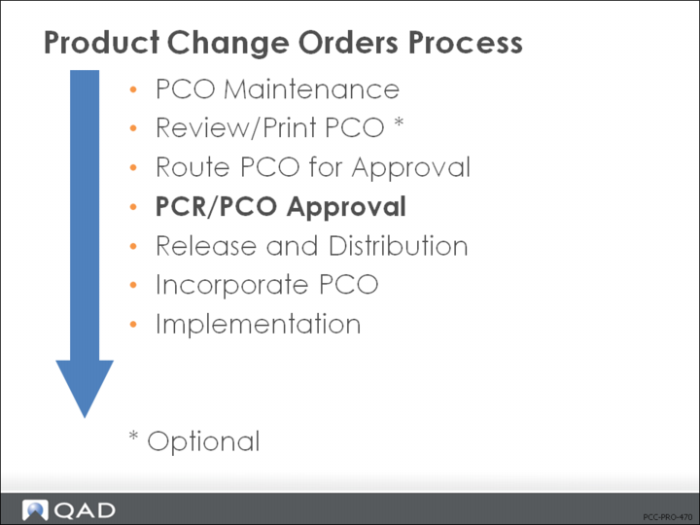
PCR/PCO Approval
• Assign approval, rejection, or reapproval
• Severity levels must be used to allow approval groups to reroute PCOs for reapproval
• When the PCO has been routed, the recipients enter their approval, comments, rejection, or reapproval
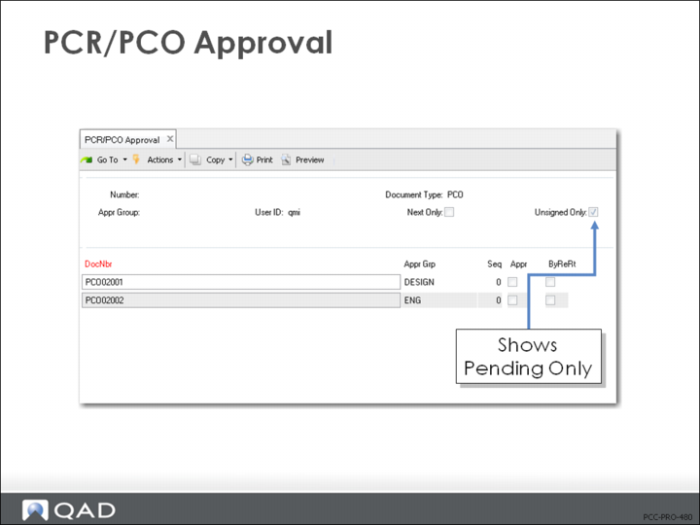
PCR/PCO Approval (1.9.6.1)
• When Unsigned Only = Yes, only pending approvals display (use = No to change prior approval)
• Select PCO for approval in top frame
• Set Appr = Yes in lower frame to approve
• If disapproved and routing slip allow for rerouting, a prompt display asks for the reroute level
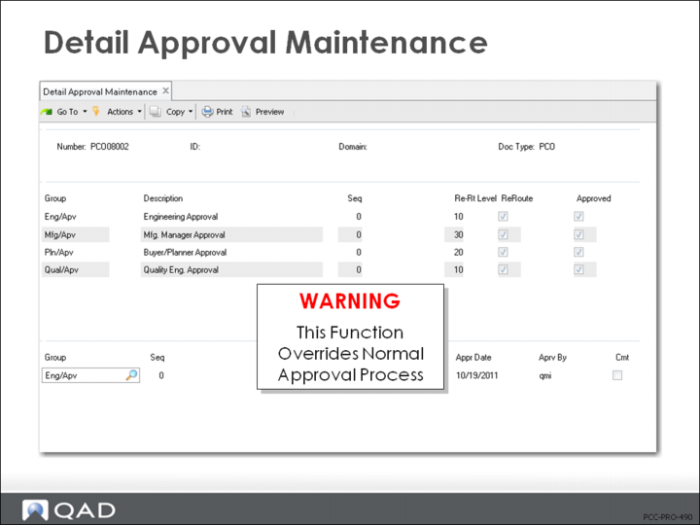
Detail Approval Maintenance (1.9.6.13)
• Allows override of the normal approval process
• Disapproved documents will not be rerouted
Important: Should be password controlled since it provides administrative override of normal approval process.
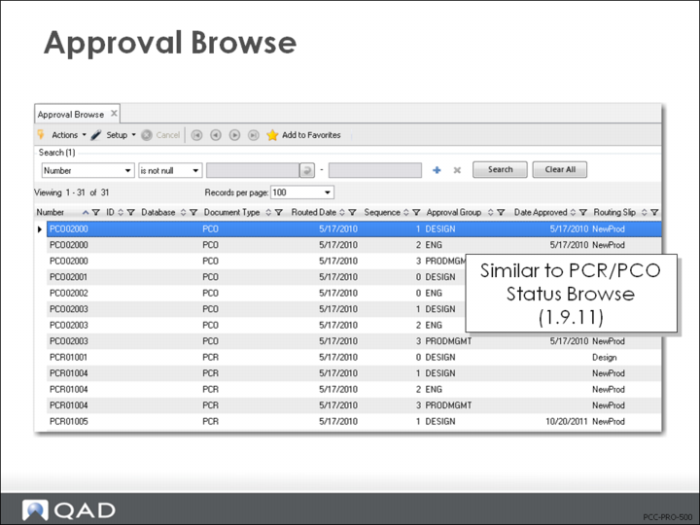
Approval Browse (1.9.6.2)
• Browse the approval status of various PCRs/PCOs
• Very similar to PCR/PCO Status Browse (1.9.11)