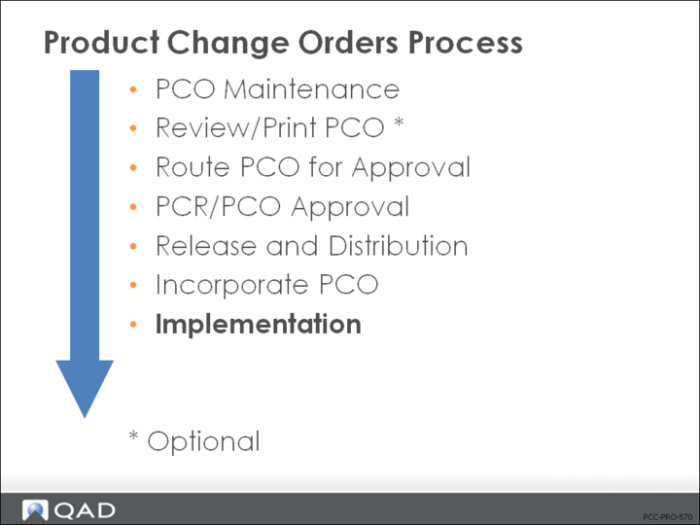
Implementation
Copies changes to item data records from incorporated PCOs when effective dates are reached.
• Dependent on the effectivity date of the Incorporated PCOs
• Usually run as a daily batch
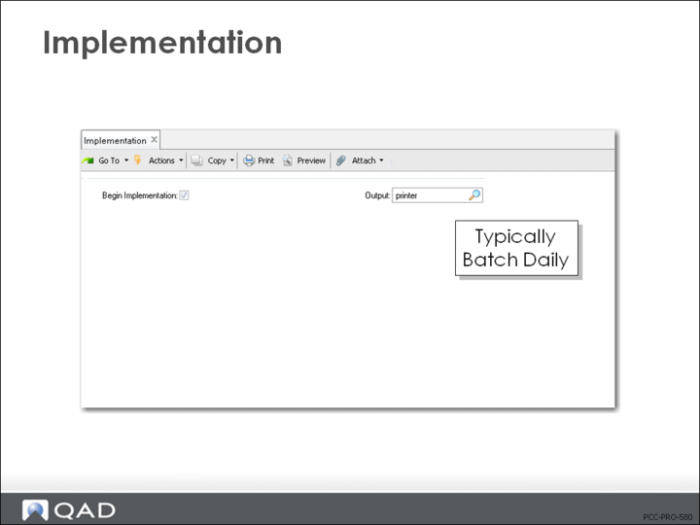
Implementation (1.9.7.13)
• Begin Implementation = Yes, and then specify an output device
• Typically this function is run automatically every day
• Can specify a Batch ID to execute daily
Exercise: Implement PCOs
Use PCR/PCO Approval (1.9.7.1) to implement the PCOs incorporated in the last exercise.
1 Leave the number field blank, select DocType = PCO, and review Unsigned Only = Yes. Select just the first two PCOs submitted. Mark each APPROVED.
2 Use PCR/PCO Status Browse (1.9.11) to review your PCOs and verify that their status changed. You should see:
Two PCOs with Status | Approval |
One PCO with Status | Submit |
The remaining PCOs with Status | Unsubmit |
Use PCR/PCO Status Browse to verify the status.
Summary