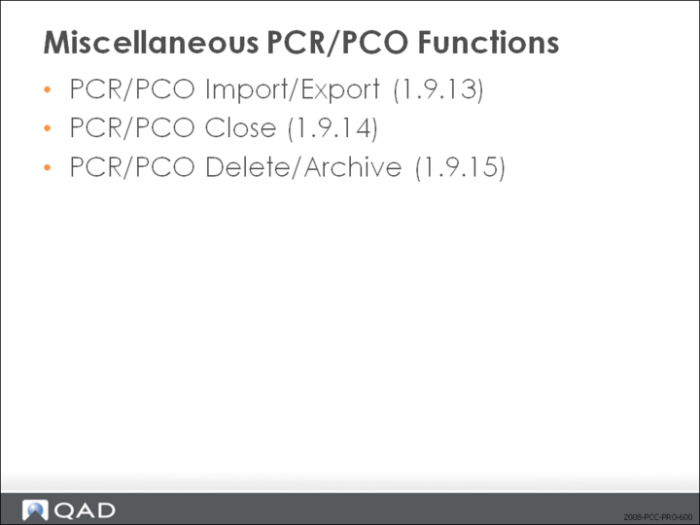
Miscellaneous PCR/PCO Functions
• PCR/PCO Import/Export (1.9.13)
• Export PCO data to an ASCII text file
• Import to restore archived data
• PCR/PCO Delete/Archive (1.9.15)
• Archive or delete closed records from the database
Course Overview
Exercise: Create a PCO with Process Changes (optional)
The plastic bottle molding process has a scrap factor that has never been figured into the process. Select the process operation for the Pill, 05003. Use PCO Maintenance (1.9.2.13) to create a PCO for a yield of only 98%.
1 Let QAD EE assign the PCO number.
Field | Data |
Assign Type | PCO |
Design Group | DESIGN |
Exercise: Implement PCO
Use Implementation (1.9.7.13) to implement your incorporated PCO fully into QAD EE.
1 Run the implementation process.
2 Use PCR/PCO Status Browse (1.9.11) to review your PCOs to verify the latest status change. You should now see Status = Closed for your first PCO since it has completed the full processing cycle: Created/Routed/Approved/ Distributed/Incorporated/Implemented (Closed).