Approve PCR
Similar to PCOs, PCRs are examined for approval, comments, rejection, or reapproval.
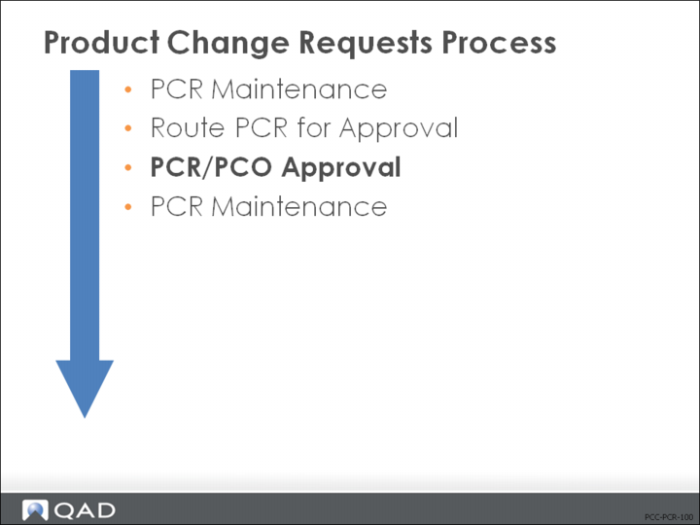
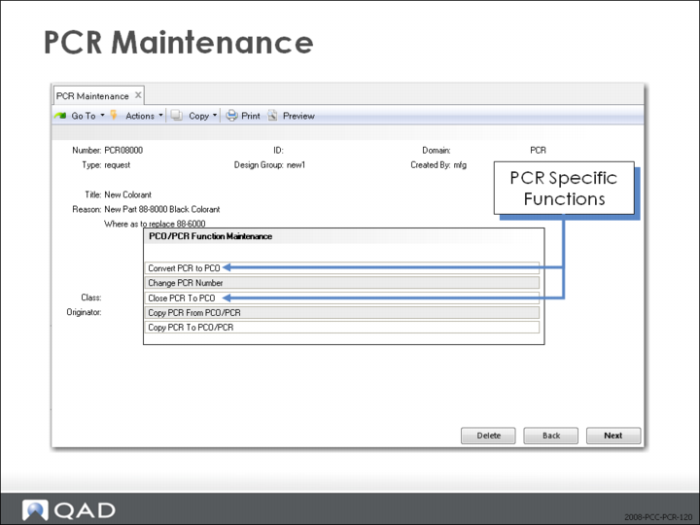
PCR Maintenance (1.9.2.1) is the same as PCO Maintenance (1.9.2.13) except for the Convert PCR to PCO and Close PCR to PCO functions, which are only options when you modify a PCR.
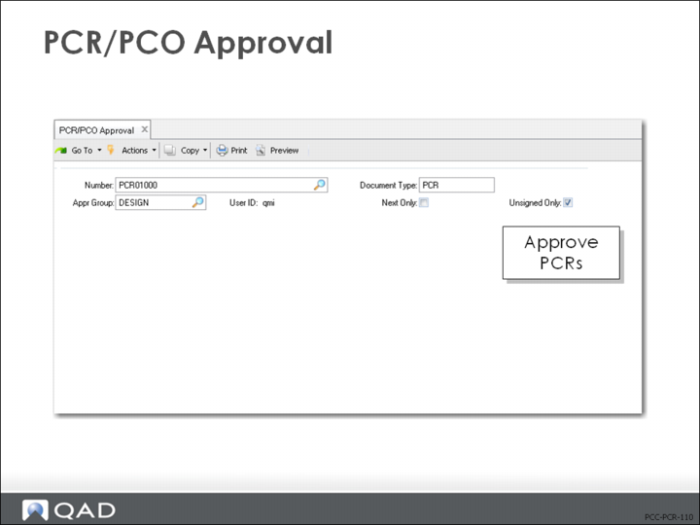
PCR/PCO Approval (1.9.6.1)
• Based on the selection criteria in the first frame, a listing of documents appears in the second frame
• If the Security = Yes in the PCC Control (1.9.24), you are prompted for a password before entering the second frame
• Use the arrow keys to scroll through the documents in the second frame and click Next to select an entry
• In the bottom frame, approve or reject the selected change document and attach comments to the PCR
• If you reject the PCR and you belong to a group that can reroute rejected changes, you are prompted to enter a reroute level
• If specified, all groups with a lower reroute number who previously approved the PCR have their approvals set to No
• An asterisk appears in the last column in the second frame to give visibility to any PCR that was rejected and rerouted
Close PCR to PCO
Exercise: Approve PCR
1 Allow QAD EE to automatically select the PCR available for approval.
a Doc Type = PCR, User ID = your login, and Unsigned Only = Yes. Click Next to continue.
b Click Next to accept the PCR in the first frame. Sbmt = Yes in the second frame. Click Next.
Hint: Use PCR/PCO Approval (1.9.6.1).
2 Review your PCR to see the status change. The Status should be = Approved.
Hint: Use PCR/PCO Status Browse (1.9.11).