QAD Enterprise Edition Training Guides
>
Reporting Framework
>
Introduction
>
Using Filter Screen
Using Filter Screen
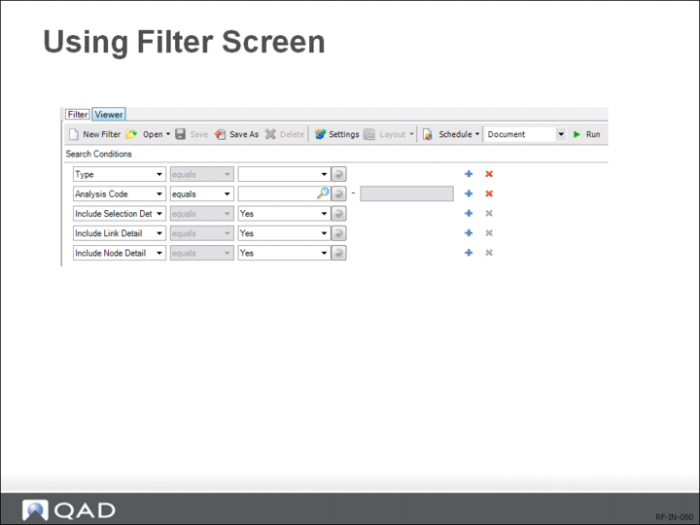
You can access the Filter screen by clicking on the Report Viewer’s Filter tab. On the Filter screen, you can manage search conditions to filter report results, save filters, specify report settings, and specify output document types. Finally, you can schedule reports.