QAD Enterprise Edition Training Guides
>
Reporting Framework
>
Introduction
>
Filter Screen
Filter Screen
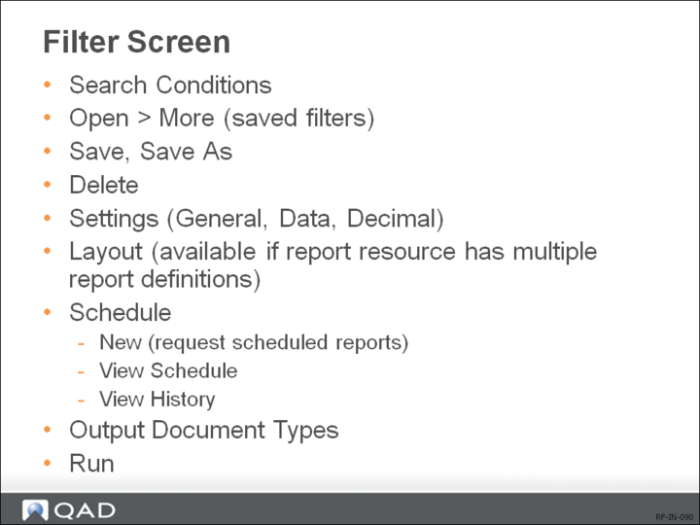
After a report is designed, you can set filter criteria to filter data in the report, run the report, and send it to different output destinations.
Use the Filter screen to set the Search Conditions that specify the filter criteria, the Settings option to specify General, Data, and Decimal preferences, and the output type pull-down to specify output type as Document, Excel, or PDF.