QAD Enterprise Edition Training Guides
>
Reporting Framework
>
Introduction
>
Scheduled Reports
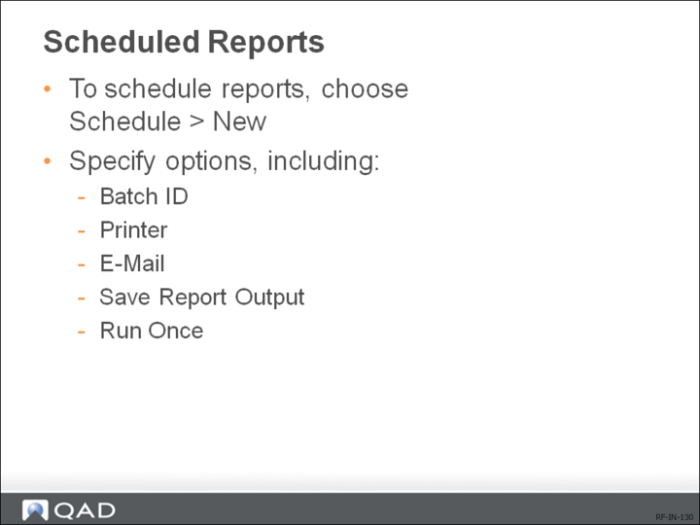
Scheduled Reports
Batch ID
Specify the batch ID for the scheduled report. The batch ID is created by the administrator in Batch ID Maintenance (36.14.1) and determines when and how often the report will be run on the report server.
Printer
If you want to have the scheduled report printed, specify a printer to send the report to. Printers are set up for the report server by the administrator in Printer Setup Maintenance (36.13.2).
E-Mail
Enter e-mail addresses or Inbox user IDs you want to have scheduled report notifications sent to. Separate multiple entries with commas.
Save Report Output
Select this option if you want the report server to send the scheduled report output file to the document service.
Run Once
Select this option if you want to mark the scheduled report as non-permanent. A non-permanent scheduled report will run only once with the next batch run, regardless how many times the associated batch is scheduled to run. A permanent scheduled report will run every time the batch is run.