QAD Enterprise Edition Training Guides
>
Reporting Framework
>
Introduction
>
Scheduled Reports
Scheduled Reports
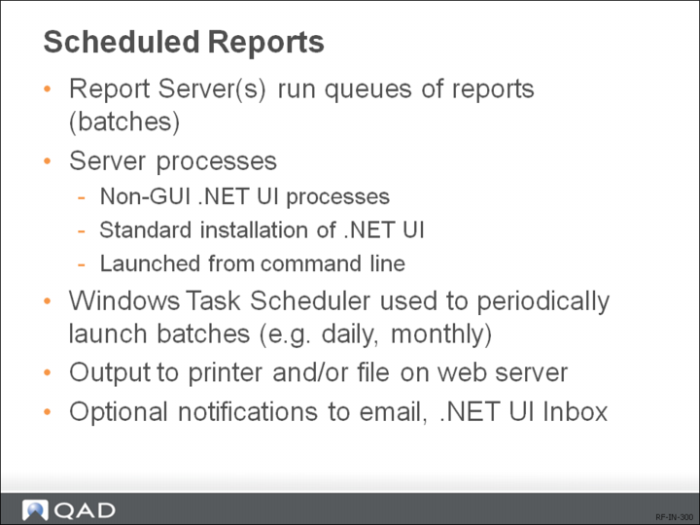
You can automate the process of generating routine reports by scheduling them to automatically run at specified times or intervals and have the reports sent to a specified destination, such as a printer or the document service on the report server.
To schedule reports to run at a specified time or interval, on the report server, you create a Windows scheduled task for a batch and group the reports in the batch.
The Windows Task Scheduler should be configured to launch the Report Batch Processor, which is a non-GUI instance of the QAD .NET UI launched from the command line, for a specific batch as scheduled and runs all the scheduled reports grouped in the batch. If already set up, the report outputs are sent to the QAD .NET UI document service and/or server-side printer as configured.
Multiple report servers can be set up for increased throughput and failover. The different servers can be configured to process different batches, or can even jointly process reports in the same batch. The Report Batch Processor coordinates the processing of scheduled reports with different priorities in the correct sequence across multiple report servers.