Report Designer Program
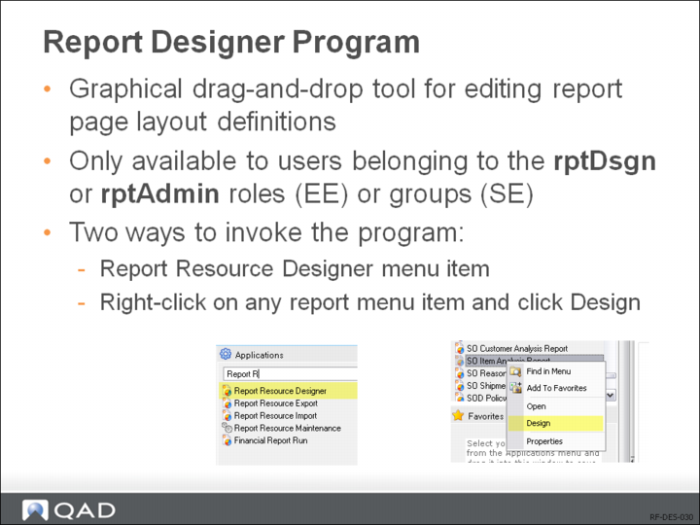
Use one of the following ways to access Report Designer:
• Type Report Resource Designer in the menu search field and press Enter.
• If you have created a menu item for your report, locate it in the Applications Pane and right-click it; then choose Design from the shortcut menu. The Report Designer window appears.
Before you can access Report Designer to create a report definition, you must first create a valid report resource.