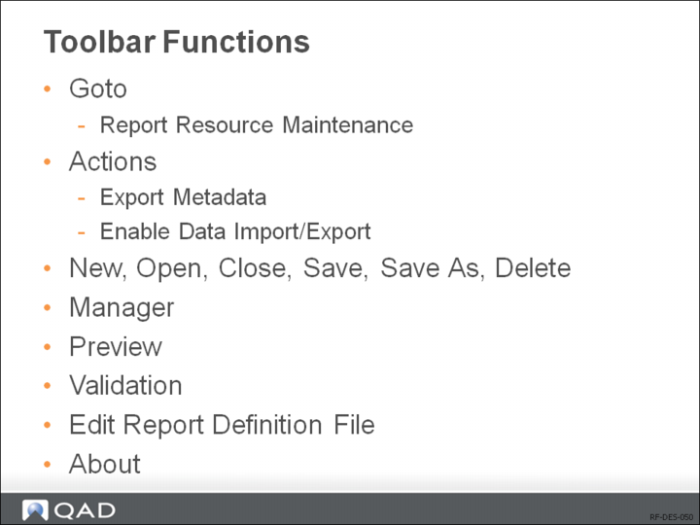
Toolbar Functions
New: Launch Report Wizard to create a new report definition.
Open
Open an existing definition.
Close
Close the current report definition.
Save
Save current report definition.
Save As
Save current report definition under a different name.
Manager Form (Report Definition Manager Form)
Click the Manager button on the toolbar.
To delete an existing report definition: In the Manager window, click the report definition and then click the Delete button at the top. Confirm the deletion when prompted.
To select a different template for a report definition: Click the current template next to the report definition and select a different template from the list. The layout and formatting of the report definition will be changed after you assign a different template to it.
To set the default report definition for the report resource: Select the Is Default check box for the report definition. You must set one and only one default report definition.
When you open the report resource from the Applications menu tree, the default report definition is loaded.
Click Preview to display the current report definition in preview mode. In the preview mode, you can only navigate through the generated report.
You can export report metadata to an XML file for review and debug a report design. On the toolbar, choose Actions and click Export Metadata.
In the Save As dialog box, specify the name of the XML file and where you want to save the file. By default, the file is named after the current report with _meta.xml appended.
You can export the data for a report to an XML file for review, testing, and debugging purposes. You can then import an XML file containing report data and run it. The exporting and importing actions will not take place until a preview of the report is run from the Report Designer.
Importing report data from an XML file is a useful tool for scenarios such as:
• Repeated testing of a report whose data source takes a long time to run.
• Manually changing data values for the purpose of quickly testing report design logic, without having to change them in the live production database.