Data Tab
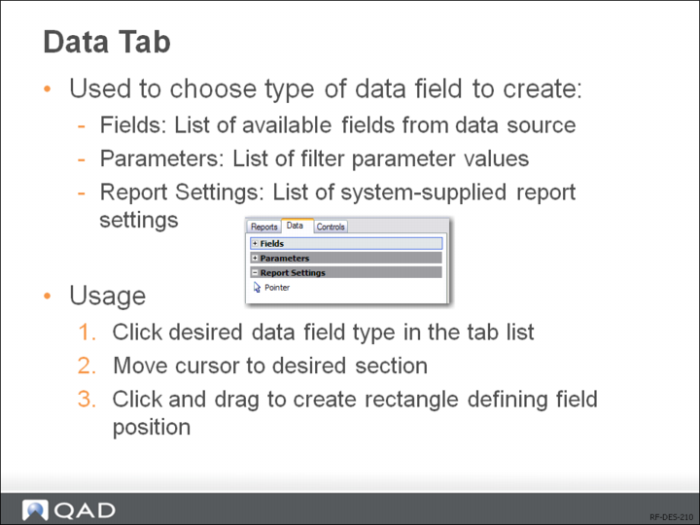
The Data tab contains three groups of data: fields, parameters, and report settings. Except for the Pointer button, which is used to deselect any currently selected object, each button under these groups creates a field on the report and initializes its properties.
The Fields group contains all the available fields that are bound to the source record set.
The Parameters group contains all the available search condition parameters under the Filter tab in Report Viewer.
The Report Settings group contains all the available setting variables under the Settings tab in Report Viewer.