Report Data Source Provider Settings
You can write a new custom data source provider implementation. For example, you might have a non-QAD data store that you want to report against.
1 Write a .NET class that implements the IDatasourceProvider interface
2 Deploy it in a DLL in the .NET UI environment
3 Add a generalized code entry for it: FieldName=rptres_datasource_type, Value=any integer (safest to pick one >100 to avoid future QAD conflicts), Comments:arbitrary; will appear in the code lookup in RR Maint.
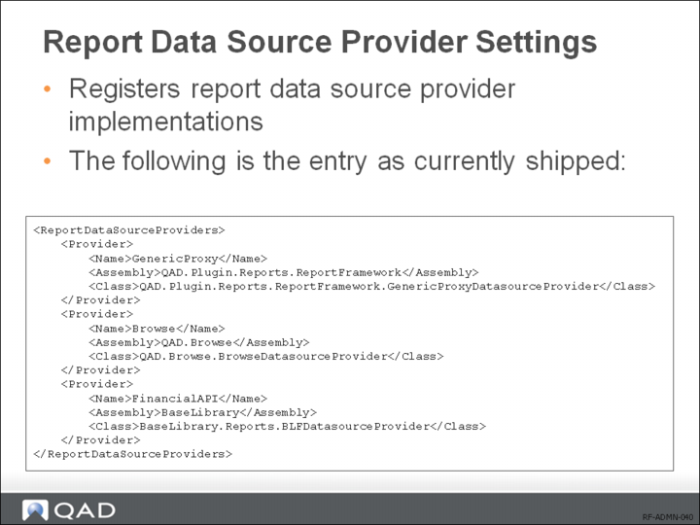
4 Register it by adding a <Provider> section to client-session.xml. The Name should match the integer chosen for the code value in step 3, and the Assembly and Class name must match the DLL and class name (with full namespace) that you developed.