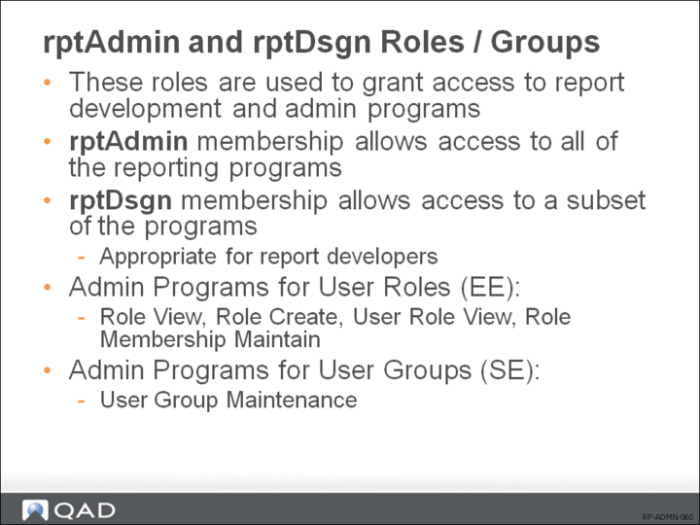
rptAdmin and rptDsgn Roles / Groups
You must create two roles — rptAdmin and rptDsgn — in Role Create for the report administrator and report designer/developer respectively, and then assign them to the particular user IDs you would like to perform the associated activities. These roles add another layer of security that controls access to some activities within the programs. Since the activity-level controls are hard-coded in the reporting programs, you will not be able to perform certain activities within these programs if you create roles with other names for the report administrator and report designer/developer.
Note: Make sure you use the correct capitalization for the roles.