Monitoring
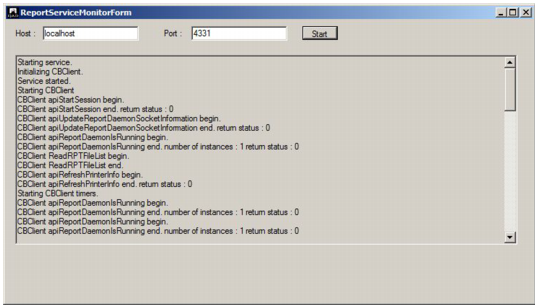
The QAD Reporting Service is distributed with a utility to monitor the service. To start the utility:
1 Click the Monitor Service shortcut.
2 Enter localhost in the Host text box.
3 Click the Start button to begin monitoring the local service.
Reporting Service Monitor