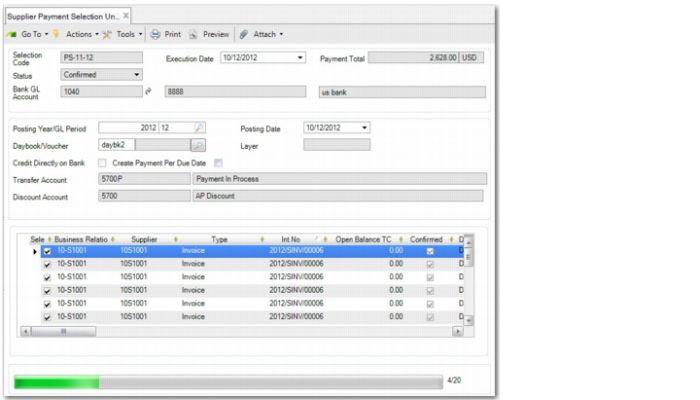
Supplier Payment Selection Unconfirm
Use Supplier Payment Selection Unconfirm (28.9.4.8) to set a supplier payment selection back to the Initial status. Consequently, the supplier payment is set to Bounced, and the system removes the payment selection code from the supplier payment.
You can unconfirm up to 10,000 payments lines at a time. During the unconfirm process, the system groups the payment selection lines into payments, and then distributes the payments into batches. During the unconfirm process, each payment becomes a batch.
When supplier payment selection workflow is enabled, unconfirming a payment selection resets the approval status to Unsubmitted.
Supplier Payment Selection Unconfirm